


How to Reduce Back Office Workload: 7-Step Framework for 2026
Reduce your daily back-office workloads by applying an effective 7-step strategy. These include auditing back-office hours, eliminating tasks, standardizing processes, connecting tools and automating routine work. Also, you can outsource repetitive tasks to a high-performing outside partner and monitor their activities every 30, 60 and 90 days. Significantly, paperwork creates […]
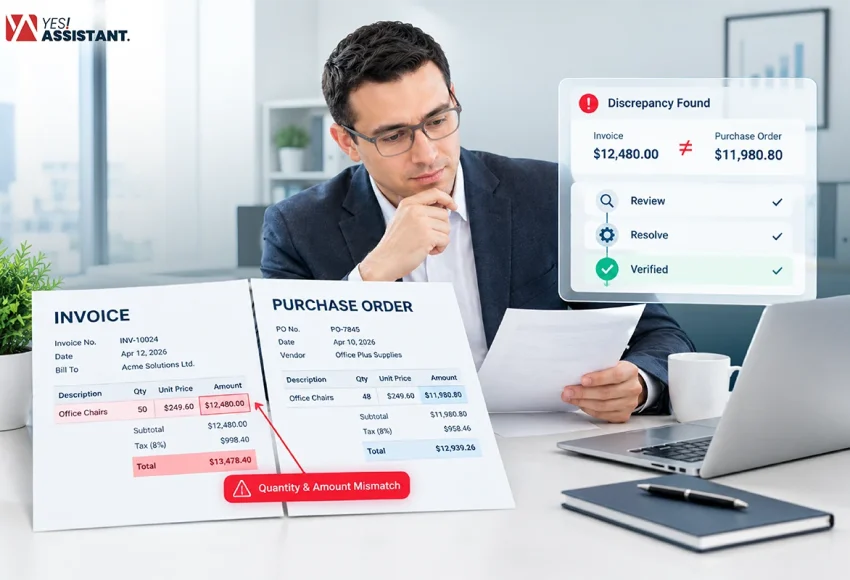
What is Invoice Discrepancy? How to Resolve It?
Invoice discrepancy is a common but critical problem in invoice processing systems. It refers to the difference between an invoice and its related purchase order, receipt, contract or other supporting documents. Discrepancies can result in delays in payments, disputes, and various complications between the involved parties. Therefore, it is essential […]

How to Improve Your Invoice Approval Workflow: 10 Proven Ways
Managing invoice approvals using a paper-based bill format and messy email threads can delay your task completion. These restrictions lead to missed payment deadlines and lost chances of early-payment discounts. Therefore, you need to advance your invoice approval workflow and simplify your tasks. The advanced invoice approval workflow helps you […]

Questions to Ask a BPO Provider: 10 Most Critical Questions to Decide the Right BPO Partner
A lot of businesses lose money on outsourcing because they never ask the right questions. Before you sign a BPO contract, you should have some questions to ask that include experience, data security, compliance, exit terms and more. Outsourcing can boost your business by a mile, but only if you […]