


How Technology Enables Remote Collaboration and Team Productivity
Key Takeaways Technology transforms your remote team into fully functional virtual offices. Both cloud platforms and communications tools supports you instant and unparallel work accordingly. Project management and document tools support you to organize your remote support team. AI now automates meeting workflows, and knowledge sharing for distributed teams Remote […]

The Difference Between a Busy Business and a Scalable Business
Many business owners fall into a trap of being while sales operations increase through the booking calendar for being “busy.” However, there is a clear difference between a busy business and a scalable business. The core of a busy business often confuses motion with progress through hiring resources, and the […]
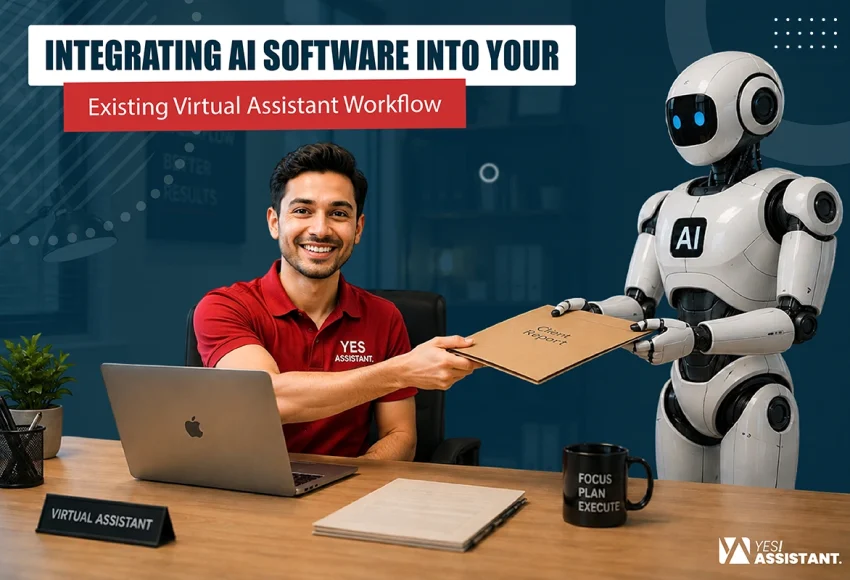
Integrating AI Software into Your Existing Virtual Assistant Workflow
Artificial intelligence became a futuristic concept by redefining traditional workflow. This software helps virtual assistants to shift manual efforts into automated systems for scaling efficiency and business growth. Significantly, the AI transition reduces time-consuming administrative burdens. Furthermore, virtual assistants now focus on high-value strategic tasks, which software handles repetitive heavy […]
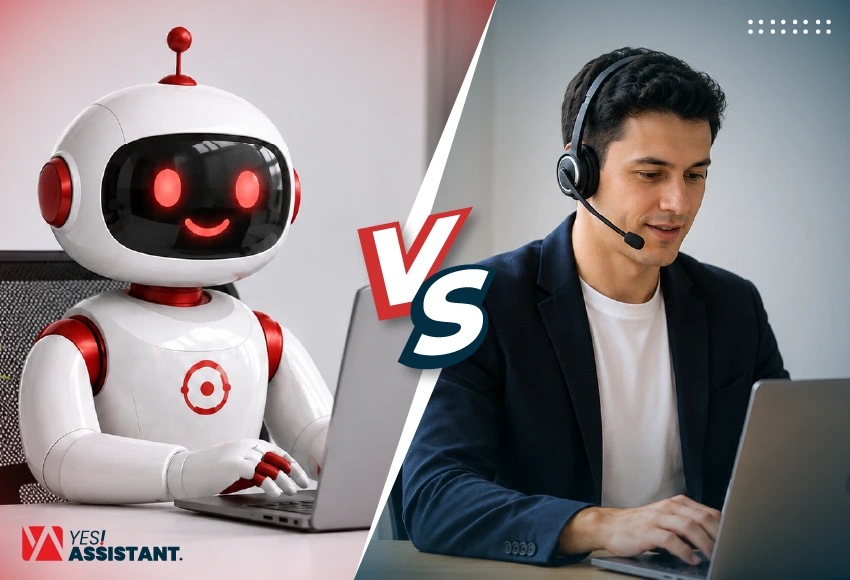
AI vs. Human Virtual Assistant: Which Is Better for Your Business?
Virtual assistants (VAs) provide essential support to a business so that business leaders or executives can spend most of their time in high-value work. There are different types of tasks a virtual assistant can handle for their clients, such as email scheduling, booking appointments, lead generation, social media management, etc. […]