
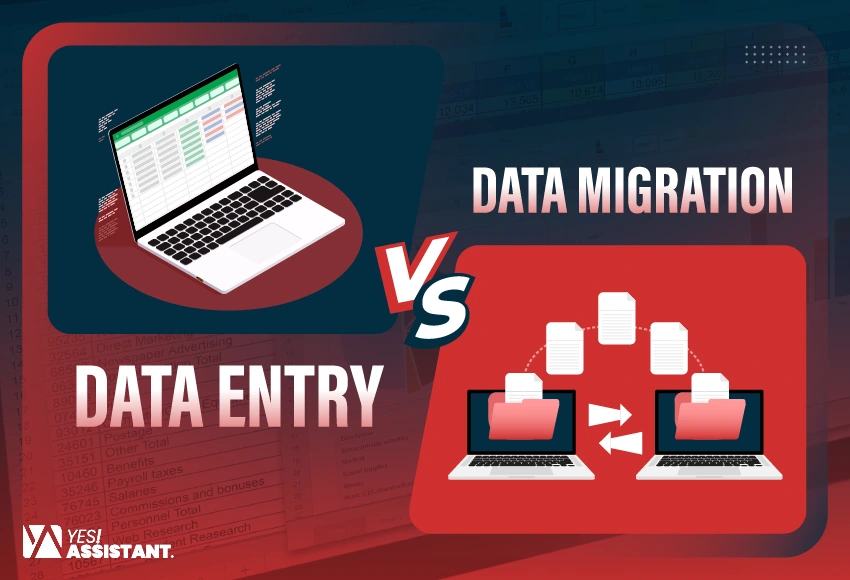
Data Entry vs. Data Migration: Key Differences You Need to Know
Efficient information management is the heartbeat of your business, driving scalable growth. You might have tactics to overcome the complete volume of digital records. Selecting an effective database management strategy is vital for your organization.
Between data entry and data migration, you may struggle to choose the appropriate solutions. This misunderstanding often leads to wasted budgets and frustrates your team. Thus, you need to know exactly which process (between data entry and data migration) solves your specific problem.
In this blog, you’ll discover two essential data requirements for your business, including the risks, comparisons, and benefits. Let’s see how to manage your business data with confidence.
What is Data Entry?
Data entry is the process of entering or transforming information into an electronic system, spreadsheets, or computer files. These steps are performed manually or automatically from various sources, transforming information from a printed document into a worksheet or digital format. Following this process, you can also convert information from paper documents, spreadsheets, and audio recordings into an electronic version.
Organizations can easily access, analyze, and use high-quality data for business decisions. Additionally, quality data entry follows protocols to protect sensitive information in accordance with regulatory data security requirements.
What is Data Migration?
Data migration is the process of transferring your data from one system to another, changing the primary format to another, or from one application to another. This is the key to any system upgradation, replacement, or consolidation of your project. Effective management of migrating your prospect, lead, and customer data is essential to your business.
Organizations migrate data for many reasons, such as project needs or stakeholder demands. For example, your partner may demand you replace your server, or strong devices, or strengthen or stop any data center.
Whenever you’re moving to a public cloud, private cloud, hybrid cloud, or multicloud system, you need to find a secure and cost-effective storage location. This is an efficient way to transform your data to any new storage location.
Data Entry Vs Data Migration: Key Differences
Considering your business needs, both data entry and data migration are foundational to maintaining powerful demand.
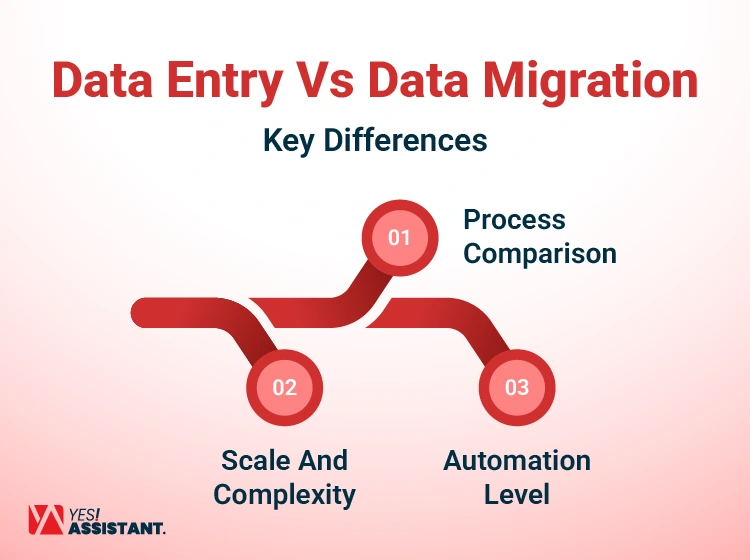
1. Process Comparison
Data entry is the primary step to collect information from different sources, typically transactional, into a system. It’s an initial process of creating and recording a new digital asset.
- Entry creates: You type fresh details from invoices or physical forms.
- Entry is manual: A person types each character into the specific field.
- Entry is distinct: Each record is handled as a unique, separate event.
On the contrary, data migration is an advanced interchange process. This process involves input extraction, transformation, and loading (ETL) of massive quantities of existing data from a reliable source system to a new structure. Moving data usually means upgrading it to a better system.
- Migration is automated: Scripts handle the bulk transfer of the information packets.
- Migration transfers: You transfer existing client lists to a new server.
- Migration is a bulk operation: Records are treated as large batches of raw data.
2. Scale And Complexity
The operational scale of the essential complexities of these tasks is remarkably different. Data entry is characterized by a small-scale, continuous process and often a cyclical workload. These tasks are operated for ongoing operational needs, usually handling individual records or small batches for immediate or near-future demand.
The primary requirement for data is to ensure individual accuracy and maintain input standards, such as GDPR/HIPAA compliance rules.
- Entry is steady: The volume remains relatively predictable week over week.
- Entry is low-stress: Errors can be fixed one by one without panic.
- Entry scales directly: You need more people to handle more manual data.
Furthermore, data migration is a strategic, large-scale, and time-specific project. It involves coordinating the movement of transforming data types, from one structured database to unstructured files, often across incompatible platforms. Moving data is hard because you have to keep everything organized, fix errors, and keep your business running without interruptions.
- Migration is integrated: You focus on the integrity of the entire dataset.
- Migration is critical: A failure can stop your entire company from working.
- Migration scales technically: You need better servers to handle larger data sets.
3. Automation Level
Automation defines the efficiency level for each process. Data entry automation provides fast & accurate data support through auto-integration forms and Optical Character Recognition. Despite the advancement of using data entry tools & software, businesses still depend on humans for manual judgment and to detect information from unstructured documents.
- Humans decide: Staff make subjective choices during the entry process.
- Scripts execute: Code runs the migration based on strict, pre-set rules.
- Entry is slow: Though human speed is limited, specific input completely depends on it.
Data migration can support you with maximum automation. It optimizes specialized ETL tools, customized scripts, and strong automated validation rules that help you to eliminate common data entry errors. Besides, Input migration also executes complicated data conversions and transfers.
- Transfer data fast: Computers can process gigabytes of data in minutes.
- Migration uses APIs: Connections are made directly between the database back-ends.
- Migration checks syntax: Tools verify if the data format matches the schema.
Comparison Table: Data Entry Vs Data Migration
Significant comparisons between two processes can sound similar if you’re new to the data framework. If you choose the wrong steps, you waste your attempt, conflict with the system, or lead to poor business outcomes. Know both data entry and data migration differences that align with purpose, timing, and outcomes.
Therefore, key comparisons help you to determine your specific project or business goals.
| Features | Data Entry | Data Migration |
|
Process of the Task |
Convert raw, physical, or disparate information into a structured digital format for system use | Moves data from one system to another through existing, structured digital systems (SQL, SaaS, Cloud). |
| Period of time | Usually running through ongoing projects, customer needs, or market research. | Commonly, one time after a certain period of the dataset is completed. |
| Scope of Tasks | Individual, manual, or batch input from various sources, like paper documents, emails, forms, and images. | Legacy databases, files, or systems. Usually, a single, bulk source to a new target. |
|
Application areas |
Invoice processing, CRM updates, document digitization, and e-commerce recording for populating new data or record upgradation | System upgrades, cloud transitions, and system consolidation for transferring existing or large-scale data. |
| Flow of Data
|
One-way and immediate requirement (Manual), ongoing project, or business needs. | One-way and batch-based |
| Tools Requirements | One-way and Batch-based on a scheduled project (Project-based) | ETL tools, scripts, and data loaders |
| Final Objective | Initial Population & Data Accuracy (creating new data), eliminating human error or inconsistency. | Operational continuity in a new system (moving existing data) during data loss or downtime. |
Identifying the Risks and Challenges
Every data process carries a specific set of dangers for you. You must identify these risks early to protect your business intelligence. A mistake in either area can affect your bottom line.
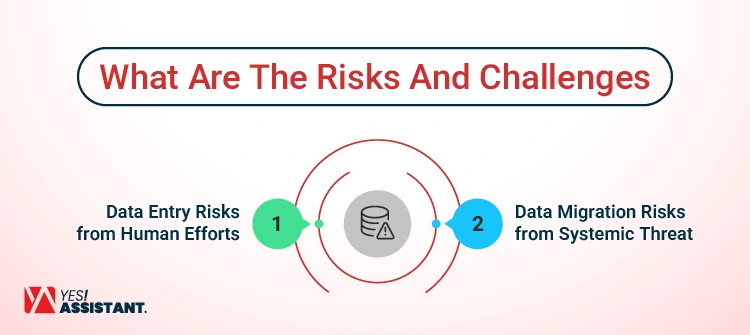
Data Entry Risks from Human Efforts
Human error: This is the most common issue you will face. A tired employee might hit the wrong key on the keyboard, leading to incorrect entry. These risks in poor data entry can damage your reporting and lose your partner’s confidence.
- Drain factors: Working too much, tired eyes, can lead to simple but costly typing mistakes.
- Lack of standards: Without applying rules, the operator enters data without facing error detection.
Inconsistent formatting: More often, inconsistent records make your database hard to search and filter. One person types “NY” and another types “New York” for the state. This lack of standards creates a messy and unreliable system.
- Lost context: Handwritten notes often lose tone when transcribing from paper.
- Security gaps: Manual entry often exposes sensitive data to many employees.
Data duplication: This happened when you created the same record twice. You might accidentally bill a client two times for one service. This confuses your team and annoys your loyal customers. Significantly, these inaccurate entries affect your business, resulting in a series of regulatory follow-ups and fines.
- Slow turnaround: A backlog of entry work can delay critical decisions.
- Training costs: You must constantly train new staff on your systems.
Data Migration Risks from Systemic Threat
Data loss: This is the sudden nightmare scenario for any IT leader. Most importantly, you could permanently erase years of customer history in a second. Therefore, you must always have a verified backup before starting that to avoid data entry errors.
- Corrupted files: Data can break during the transfer process unexpectedly.
- Compatibility issues: Old data formats may not work in modern software.
Schema mismatch: During the time of configuring your data pipeline, it happens when the old and new systems contradict. Therefore, your old system might not have a field for email addresses. The new system will reject your data if it doesn’t fit.
- Extended downtime: Unexpected errors can keep your business offline for days.
- Budget overruns: Complex migrations often cost more than you originally planned.
Downtime and system dependency: Sometimes, system dependency can freeze your business operations completely. If the migration takes too long, your staff cannot work. You lose money every hour your system is offline.
- Loss of history: Some historical data might not fit the new structure.
- Testing failures: Poor testing can lead to a broken system launch.
When To Choose Data Entry Vs Data Migration
Choosing between data Entry and data Migration depends on your requirements. You may create or digitize new inputs or move from the current system to a new structure. However, data entry is a continuous process of entering, updating, or digitizing data, while data migration occurs from one system to another.
Data Entry
Data entry focuses on capturing, validating, and organizing information into a structured format. This approach gives you total control over every new record. For better administrative control, you should choose a trusted data entry expert to achieve a competitive advantage.
New business: Start fresh with manual entry for your first clients.
Daily tasks: Use it for ongoing updates like changing customer addresses.
High complexity: Humans handle messy or unstructured data better than machines.
Small batches: It is cost-effective for processing a few records daily.
Data Migration
You should choose data migration when upgrading your technology stack. It is essential when merging two companies into one system. This path saves you from manually re-typing thousands of files.
Software upgrades: Move your history when you buy a new CRM.
Company mergers: Combine two distinct databases into one combined data source.
Cloud adoption: Shift your on-premise servers to a modern cloud platform.
Performance boost: Move data to a faster system to improve speed.
Conclusion
Both data entry and data migration are vital for your success. Data entry keeps your information fresh and accurate every day. Data migration allows you to evolve and adopt better technology.
You need to invest in the right process at the right time. Clean data entry today makes your future migration much easier. Quality data is the most valuable asset your business owns.
Take time to review your current data strategy this week. Are you relying too much on manual work for large tasks? The right choice will save you time and boost efficiency.