

Best Scheduling Tools for Small Business: Boost Productivity
Scheduling tools are digital software applications by which businesses can automate, organize, and manage appointments, tasks, shifts, and allocate resources. This scheduling tool is based on automation to ensure 24/7 availability. Besides, the interesting feature of the scheduling tools is to integrate with other necessary tools to identify double bookings and prevent conflicts.
10 Best Scheduling Tools for Small Businesses in 2026
Business now completely depends on automated tools that are best suited to the types of business and customized enterprise needs. These automated tools are also integrated with other tools to provide unique calendar schedules for professionals.
1. Calendly (Best Overall)
About Calendly
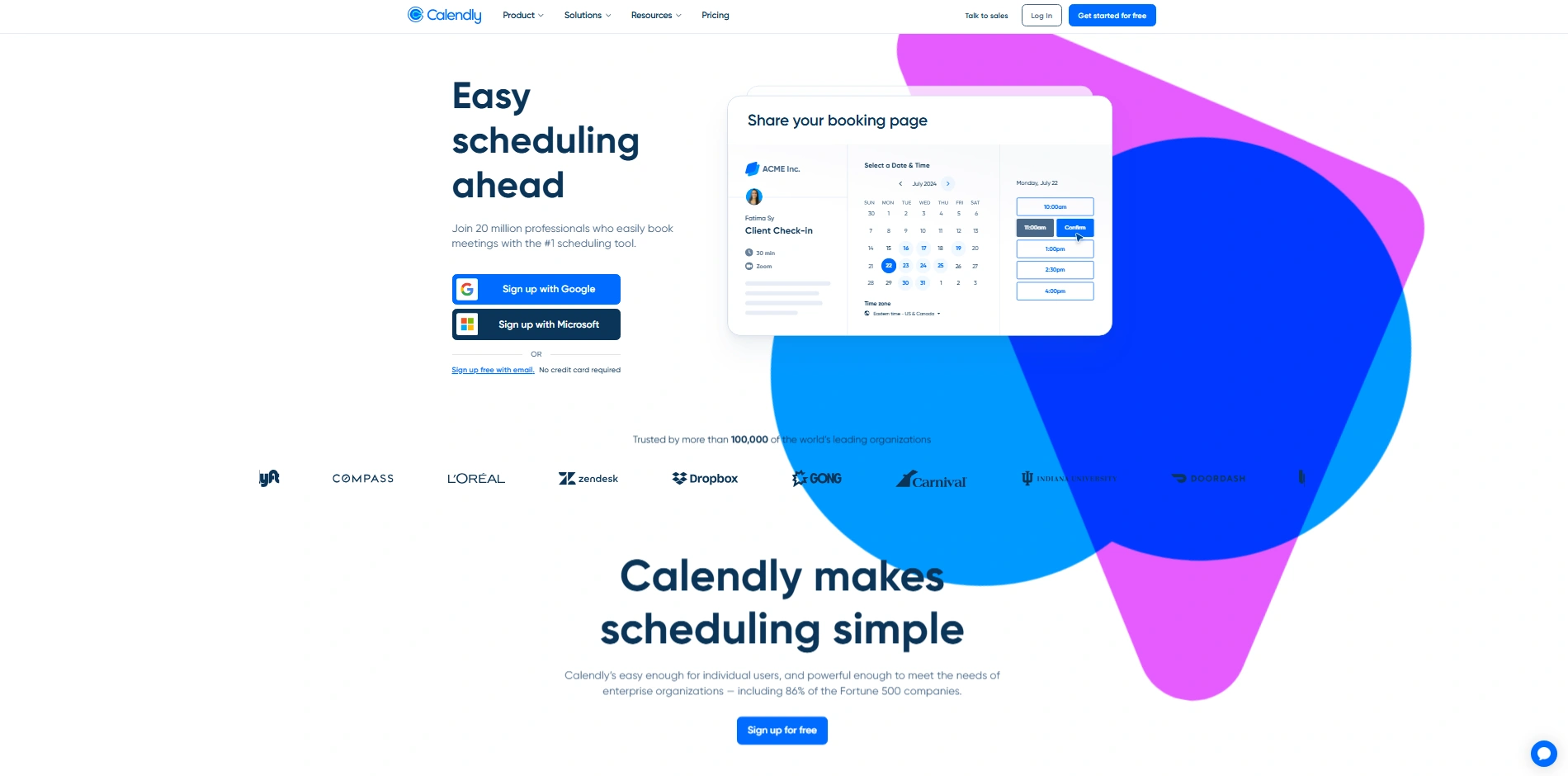
Calendly is a premier calendar management tool designed to automate your system with a B2B sales team. More than 100,000+ organizations are using the tools to advance their operations. Moreover, Calendly manages deliverable emails, sales, marketing, and support team workflows.
Best Use For
This tool is best for customer-related professionals, such as sales representatives, consultants, talent-hires, and small business owners. These professionals use the tools to automate replies and consistent schedules for further meetings.
Key Features of Using Calendly
- Calendly automates meetings and schedules based on different types of events, supporting both one-on-one consultants and collective group sessions.
- Create one meeting with a custom-build duration and apply buffer times to prevent back-to-back scheduling.
- Calendly easily integrates with Google calendar and working on multiple time zones based on user’s location.
- Instantly qualify, route, and schedule meetings with high-value leads directly from your website using advance routing forms.
- Collect secure payments or deposits smoothly at the moment a client books a meeting.
- Deploy automated email reminders, follow-up messages, and SMS notifications to significantly reduce no-show rates.
CRM Integration with Calendly
Easily connect with other essential tools like Google Calendar, Microsoft Outlook, Salesforce, HubSpot, and Slack. You can avoid double-booking on two different calendars due to Calendly auto-integration.
2. Acuity Scheduling (Best for Service Businesses)
About Acuity Scheduling
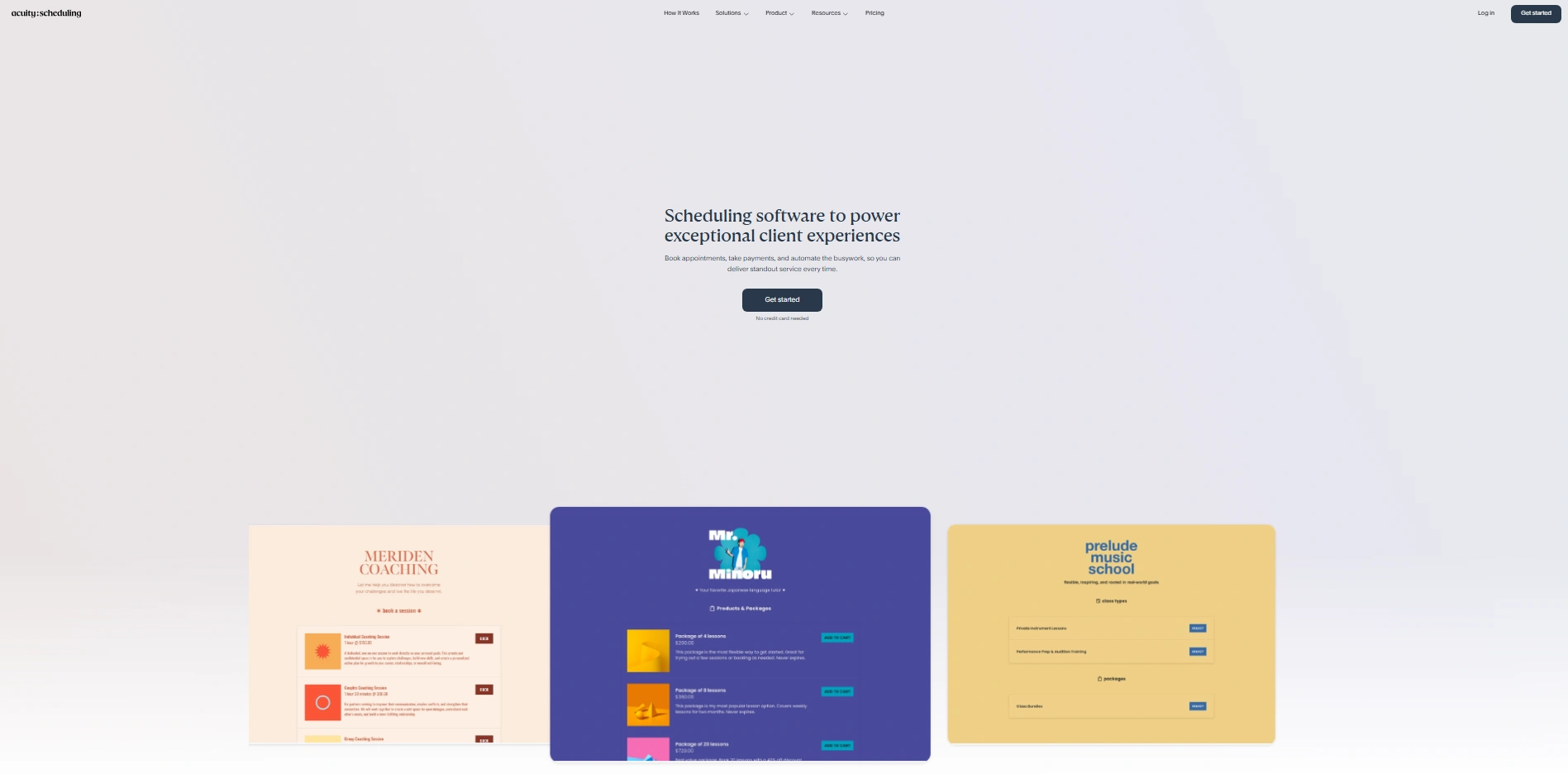
Acuity Scheduling is a highly configurable appointment management tool designed to automate your booking system and client management. More than thousands of businesses are now using the tools to advance their daily operations. Acuity Scheduling reduces the need for manual appointment tracking and organizes client or audience interactions and payment process.
Best Use For
This is best for service-oriented professionals, such as fitness instruction, salon owners, life coaches, and health clinic operators. These professionals use the tool to allow clients to self-schedule 24/7 and automate intake processes before meetings.
Key Features of Using Acuity Scheduling
- Acuity helps businesses to automate their appointment setting system. They allow customers to view accurate insights of messaging best suited to the businesses.
- Create customized and interactive booking pages that include detailed intake forms to collect essential client information before operation starts.
- Significantly, Acuity smoothly processes secure payment and advance deposits using your Stripe, Square, or PayPal at the exact moment a client books.
- Easily offer and manage recurring appointments, student classes, and subscription packages directly using the platform.
- Deploy automatically confirmed email and text message reminder before the next payment duration comes.
Website Integration with Acuity Scheduling
Acuity has easy access to connect with other essential business tools like Squarespace, Zoom, Google Meet, Mailchimp, and QuickBooks.
Note: Scheduling tools gives more opportunity to grow you business but it take time to set with and ensure efficient workflow. Besides, this tool can operate from anywhere with flexible timing, so assign a remote virtual assistant to manage your businesses schedules. Thus, owners, busy professional can get assistant support without spending a single moment.
3. Square Appointments (Best for Retail + POS Integration)
About Square Appointments
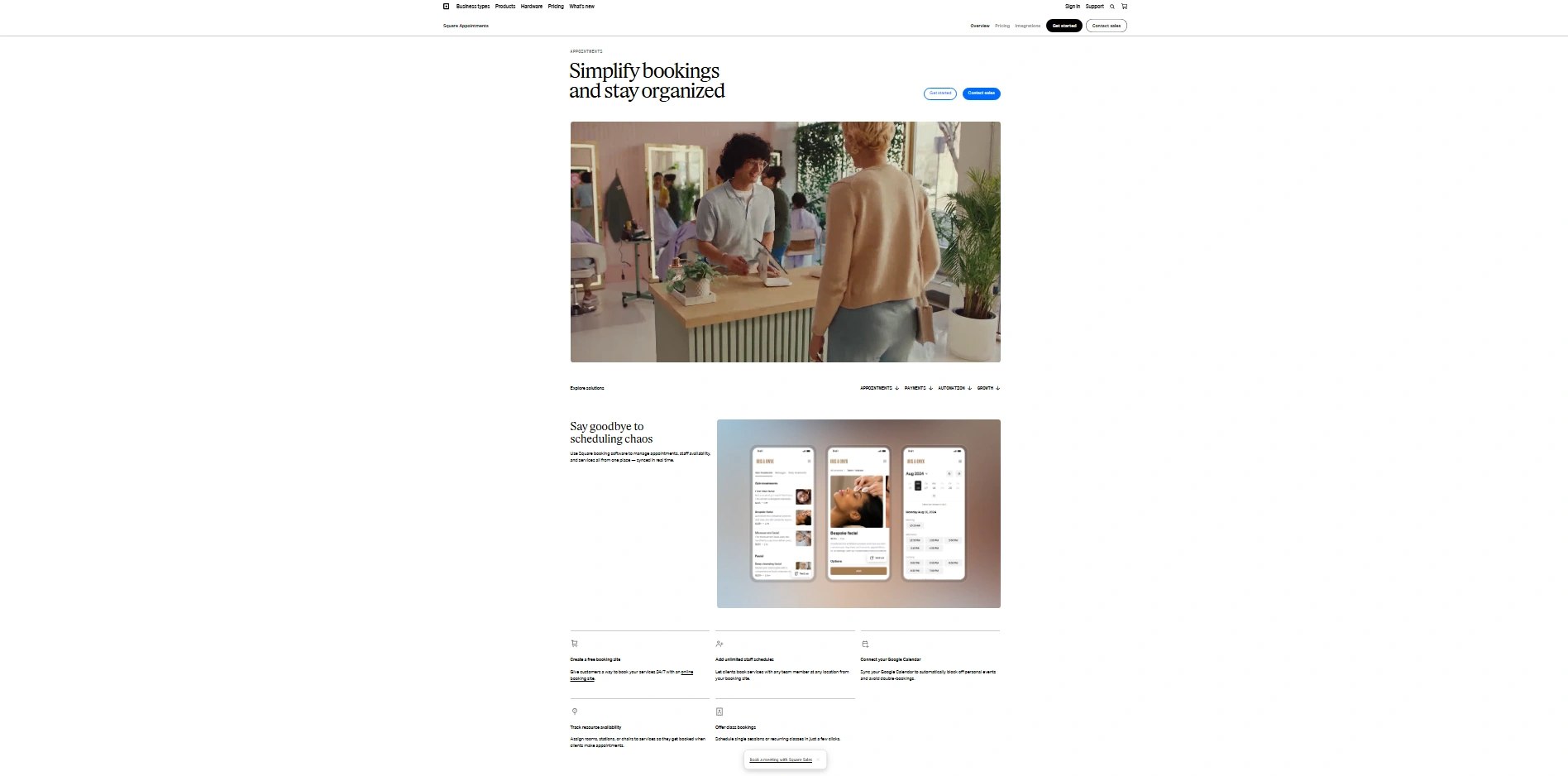
When you need to automate the booking system alongside point-of-sales operations, Square Appointment calendar management can be suitable for you. Many businesses use the platform to advance their operations. This tool combinely services for appointment sheeting services, scheduling, payment processing and client management into a single, unified system.
Best Use For
The professionals who are involved with health, beauty, and wellness business can be ideal for their businesses. This tool can create self-schedule 24/7 and automate reminder and payment collections for the appointment.
Key Features of Using Square Appointments
- Square Appointment automates your reminder using SMS and email to your customer and ensures maximum presence.
- Create customized, free online booking websites that have also facilitated your customer to cancel subscription as per policies without any charges.
- Square Appointment consistently connects scheduling calendars to control business for secure payments and POW hardware. Therefore, you can manage sales and bookings simultaneously.
- Manage and assign specific business resources, such styling chairs or specialized rooms, to services and prevent double booking options.
- Help businesses to build comprehensive client profiles including contact information, appointment history, and private notes regarding client preferences.
System Integration with Square Appointments
This tool has simple integration with other business tools like Google Calendar, QuickBooks Online, Instagram, and Wix. Therefore, you can facilitating customers to book directly from social media or existing websites.
4. SimplyBook.me (Best for Customization)
About SimplyBook.me
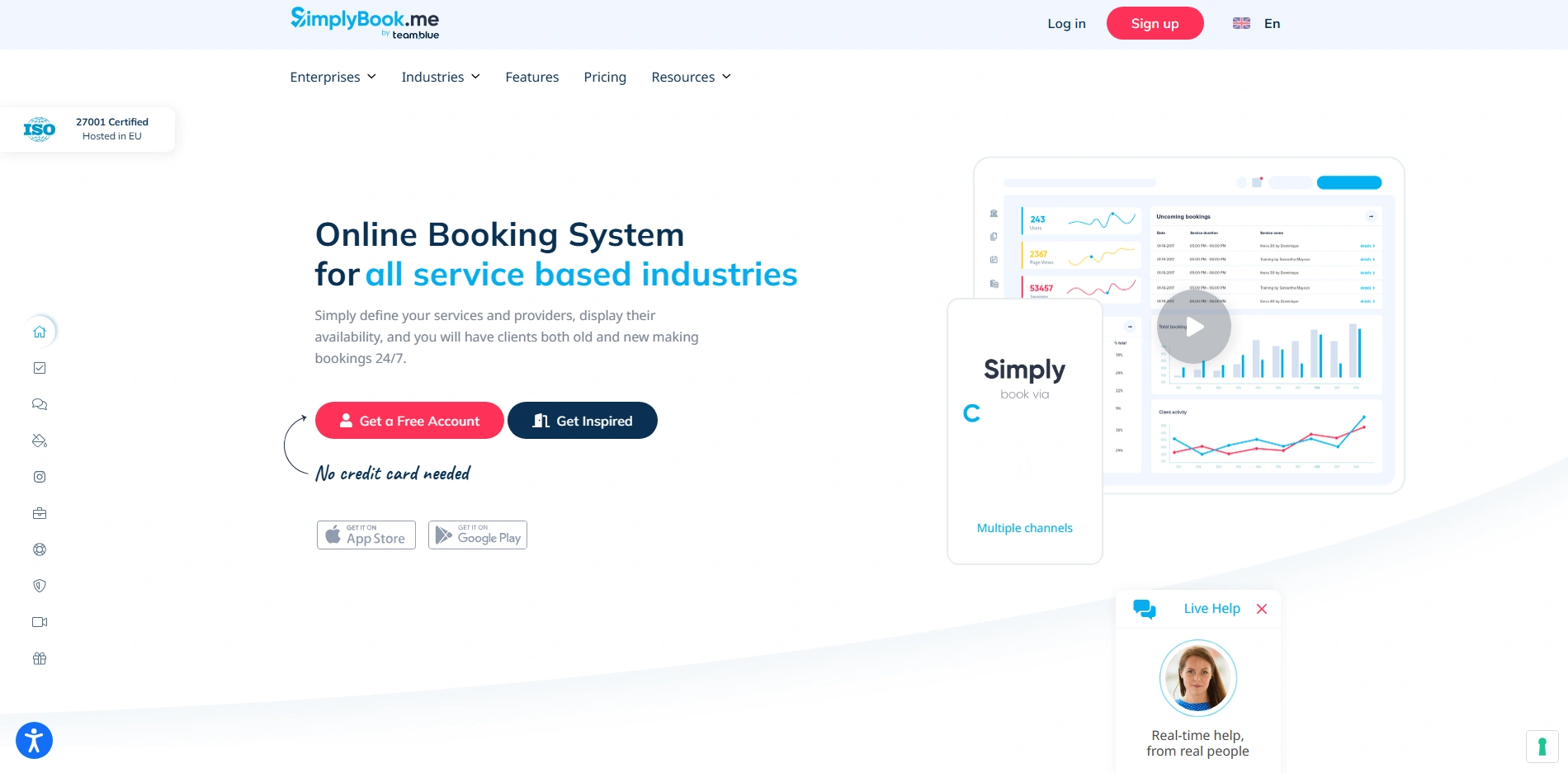
SimpleBook.Me is an extensive online scheduling software designed to automate operations for your company that accept time-based appointments. More than thousands of businesses worldwide receive their services to advance daily operations. Besides, SimpleBook.me needs no manual coordination and organizes bookings, reminders and payment accurately.
Best Use For
This tool is best for a wide range of service-based companies, such as fitness centers, wellness therapists, salon owners, and medical providers. Businesses use the tools to allow clients on self-schedule 24/7. SimpleBook is a highly customized booking platform that matches your unique brand identity.
Key Features of Using SimplyBook.me
- SimplyBook.me generates automatic appointment confirmation and SMS or email reminder to ensure maximum customer presence.
- Create a fully customized booking website or widget using responsive templates customized to your specific industry.
- SimplyBook.me allows you to add custom features like intake forms, membership sales, gift cards, and product add-ons directly upon bookings.
- Manage calendars for multiple staff members, divide availability by region, and show actual time slots to avoid manual errors.
- Process secure payment in advance consistently at the exact moment a client books.
Business Integration with SimplyBook.me
Responsible and easily connect with other necessary tools like Google Calendar, Mailchimp, Stripe, Facebook, and Instagram. Thus, you can avoid double-booking through syncing schedules and allow customers to book services instantly through a “Book Now” button right on your social media profiles.
5. Setmore (Best Budget-Friendly Option)
About Setmore
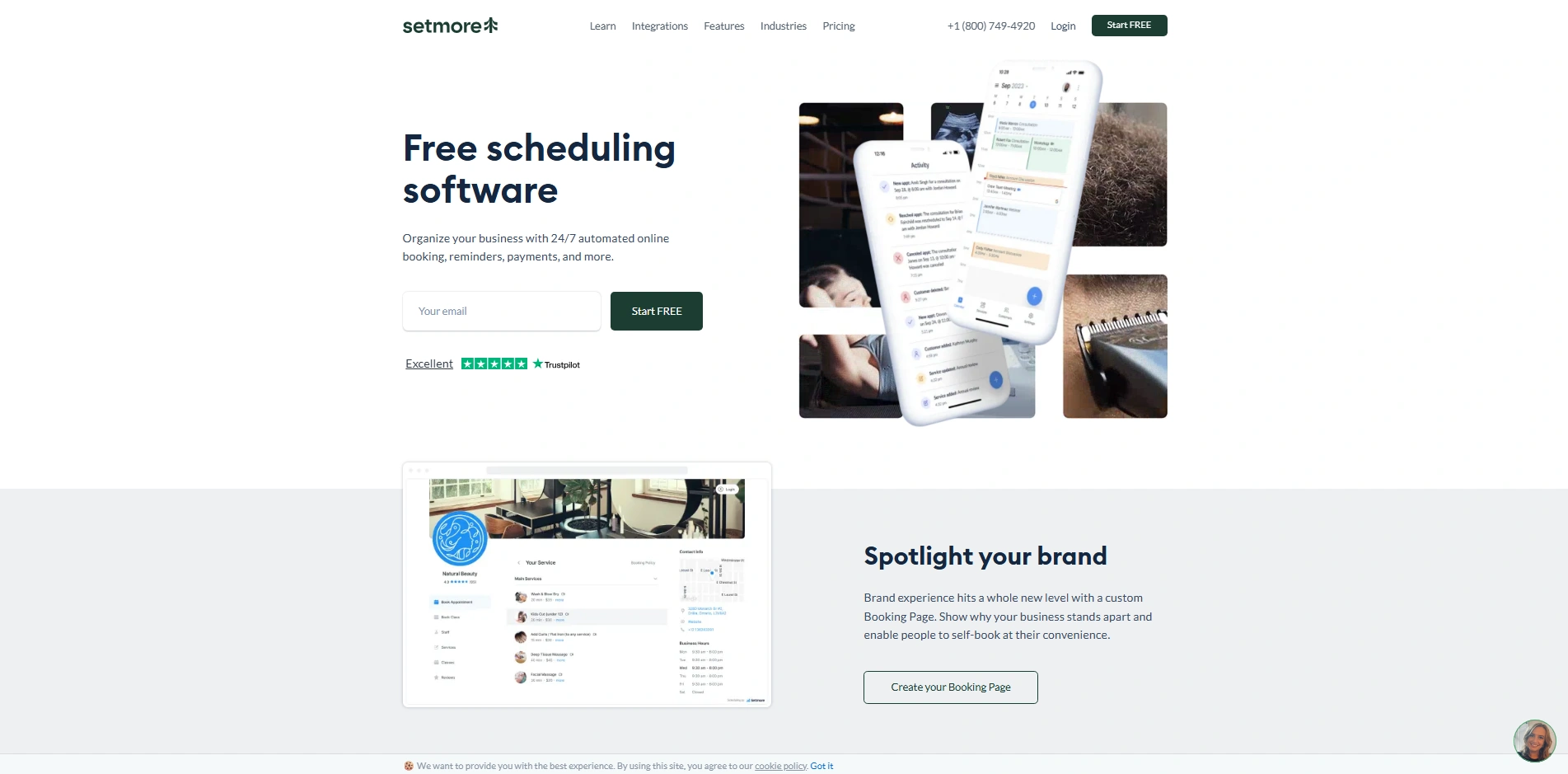
Setmore is a budget-friendly scheduling platform designed to automate your system with a smooth booking process. Thousands of small businesses and entrepreneurs use the tools to advance their operations. Besides, Setmore organizes your daily workflow for service-based teams.
Best Use For
This is the best for budget-friendly service professionals, such as beauty salon operators, healthcare providers, and independent freelancers. These professionals use the tools to provide their clients 24/7 facilities to self-schedule and automate email responses and schedule for further meetings.
Key Features of Using Setmore
- Setmore automates the meeting schedule: sending email and SMS notifications to ensure customers will not miss any scheduled appointments.
- Create one meeting or recurring classes on a fully customized booking page that showcase your brand, services, and 24/7 availability.
- Besides, Setmore enables clients to pay for booking only with secure online payment processing via Square and Stripe.
- Host on crystal-clear virtual sessions, meetings, or consultations directly from your mobile phone.
- Manage multiple team members by enabling your team to handle schedules and bookings efficiently.
System Integration with Setmore
Provide easy access to integrate with other business tools like Google Calendar, Office 365, Facebook, Zoom, and Google Meet. Setmore integration helps you to avoid double-booking mistakes and allows customers to book directly from social media pages.
6. YouCanBook.me (Best for Simplicity)
About YouCanBook.me
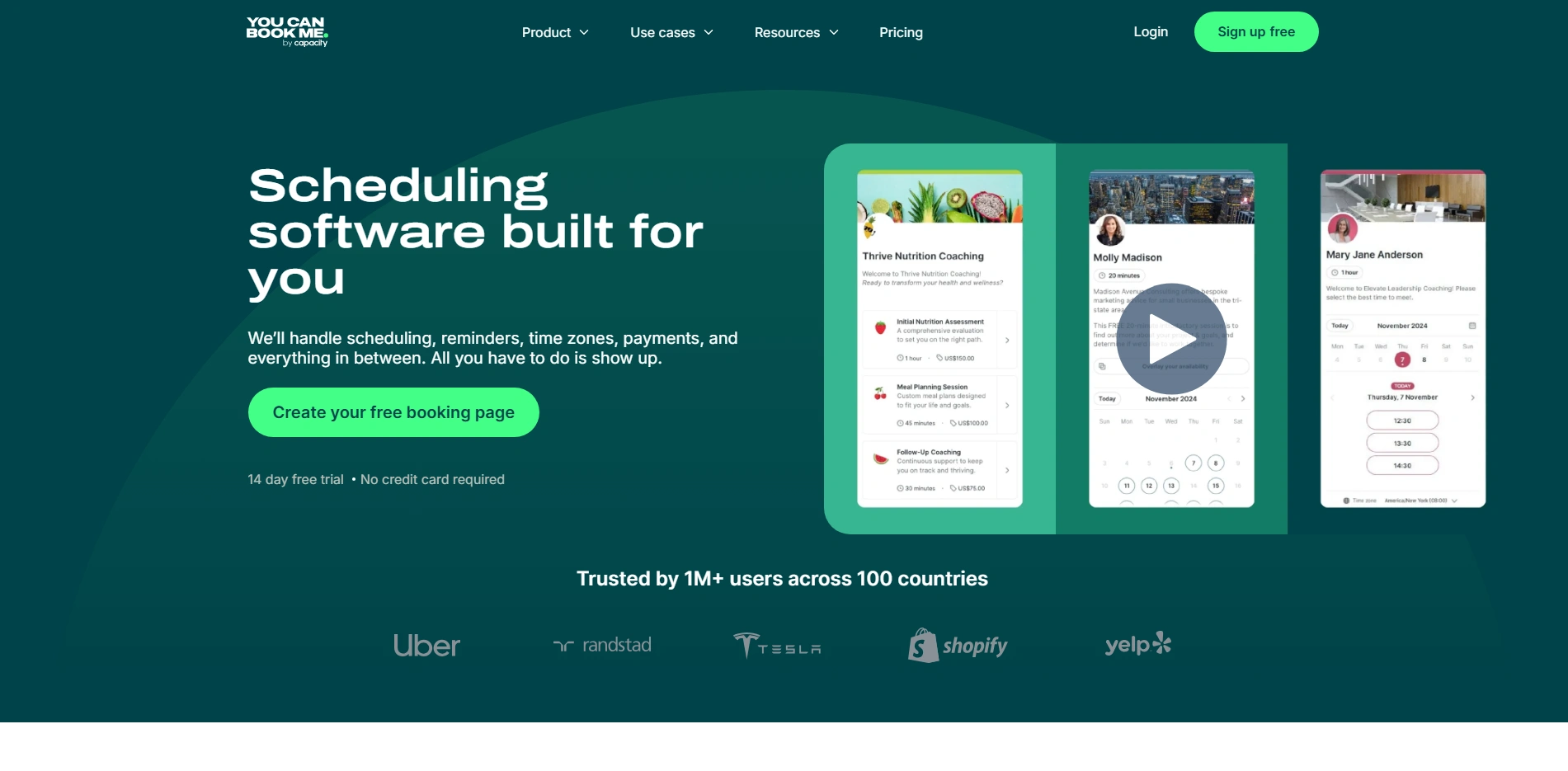
YoucanBook.me is a highly personalized online scheduling software. This tool is designed to automate your booking system through setting up and facilitates consistent human communication. More than thousand of businesses, like single owners to global teams, successfully operate the tools to advance their operations.
Best Use For
Business who has customer-centric business and remote teams, such as independent consultants, user support teams, educators, and recruitment specialists. These professionals use the tools to automate customer query and replies, support 24/7 availability, and schedule for next meetings.
Key Features of Using YouCanBook.me
- YouCanBook.me automates meeting schedules: send customized email and SMS reminders to ensure client follow-ups.
- Create a fully customized booking page by which you can manage availability for your teams. These tools also onboard everyone on a single dashboard and allow clients to choose who they meet.
- Also, YouCanBook.me detects time zones for global teams automatically and sends connection requests to international clients following specific time zones.
- Provide limited time or buffer time to book meetings every day to prevent schedule burnout.
- Accept online payments in advance through full integration with Stripe.
Calendar Integration with YouCanBook.me
Connect with other important business tools and set reminders like Microsoft Outlook, Google Calendar, Apple Calendar, Zoom, and HubSpot. Significantly, YouCanBook.me strictly controls double-booking through checking multiple calendars and automatically generating meeting video links for everyone.
7. HubSpot Meetings (Best for CRM Integration)
About HubSpot Meetings
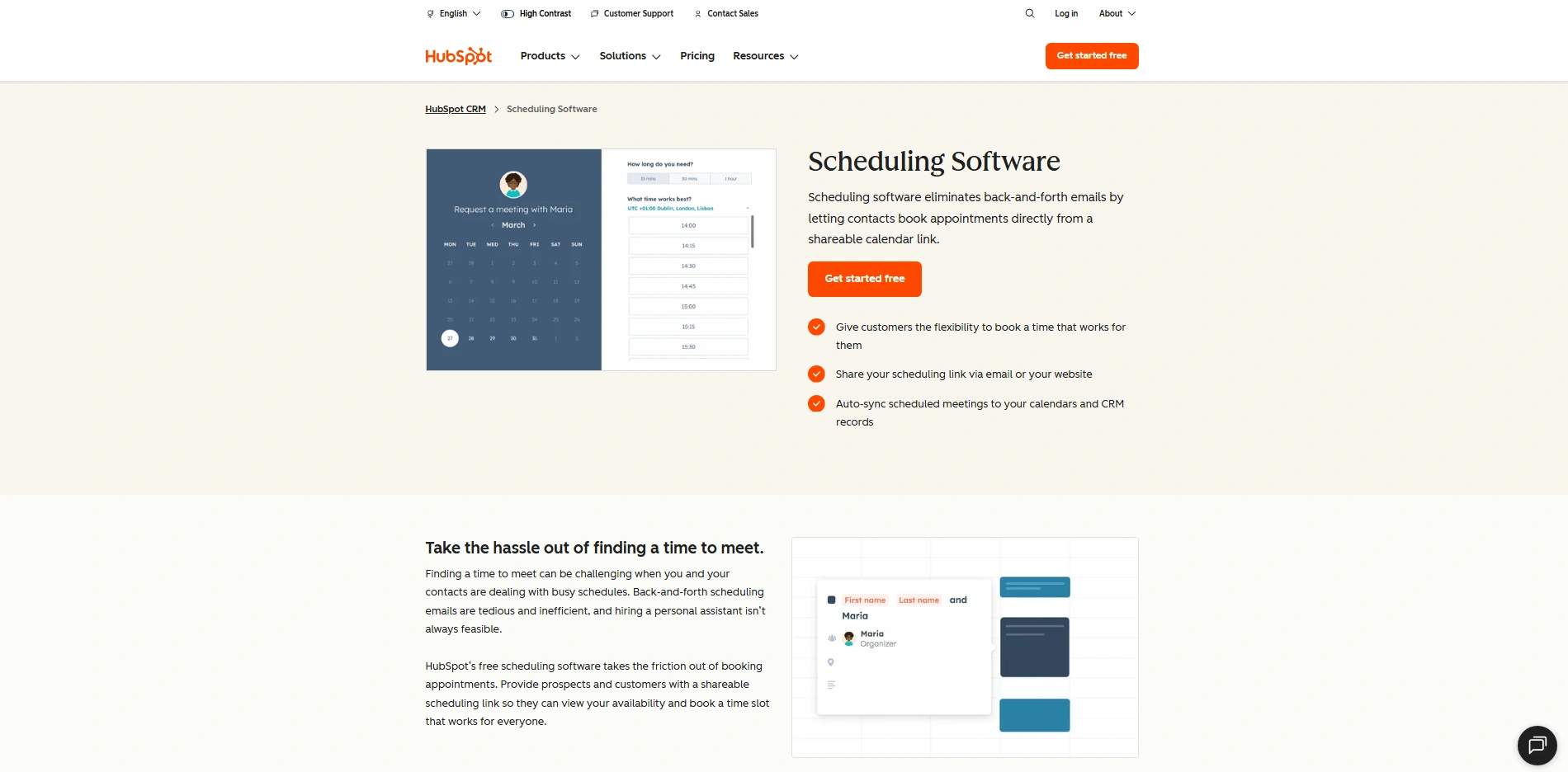
HubSpot Meetings is a powerful scheduling tool built consistently into the HubSpot CRM, designated to automate your workflow for sales and marketing teams. Thousands of growing businesses are using these tools to advance their operations. Besides, HubSpot Meeting organizes an email process of turning prospects into scheduled appointments without leaving the central database.
Best Use For
HubSpot is best for sales-focused professionals and marketing teams, specially for B2B Sales management, account executives, and business development managers. These professionals use the tool to automate customer’s message reply, capture lead information and schedule for the next meeting within their CRM.
Key Features of Using HubSpot Meetings
- HubSpot Meeting automates the meeting schedule by integrating links with the calendar directly using marketing emails and website landing pages.
- Create one marketing link for prospects to view your availability and book time that works for everyone.
- Significantly, HubSpot Meeting automatically creates new contact records or updates existing forms using the CRM.
- Provide links to group scheduling and allow prospects to book their time with any available team members.
- Track the success of scheduling links to see how many meetings are booked and measure the direct impact on revenue.
CRM Integration with HubSpot Meetings
HubSpot has easily integration with Google Calendar, Office 365. This tool is famous for schedule meetings, collect contact details, and interactions records automatically. HubSpot helps you to avoid double-booking by checking similar records to all integrated calendars.
8. Doodle (Best for Group Scheduling)
About Doodle
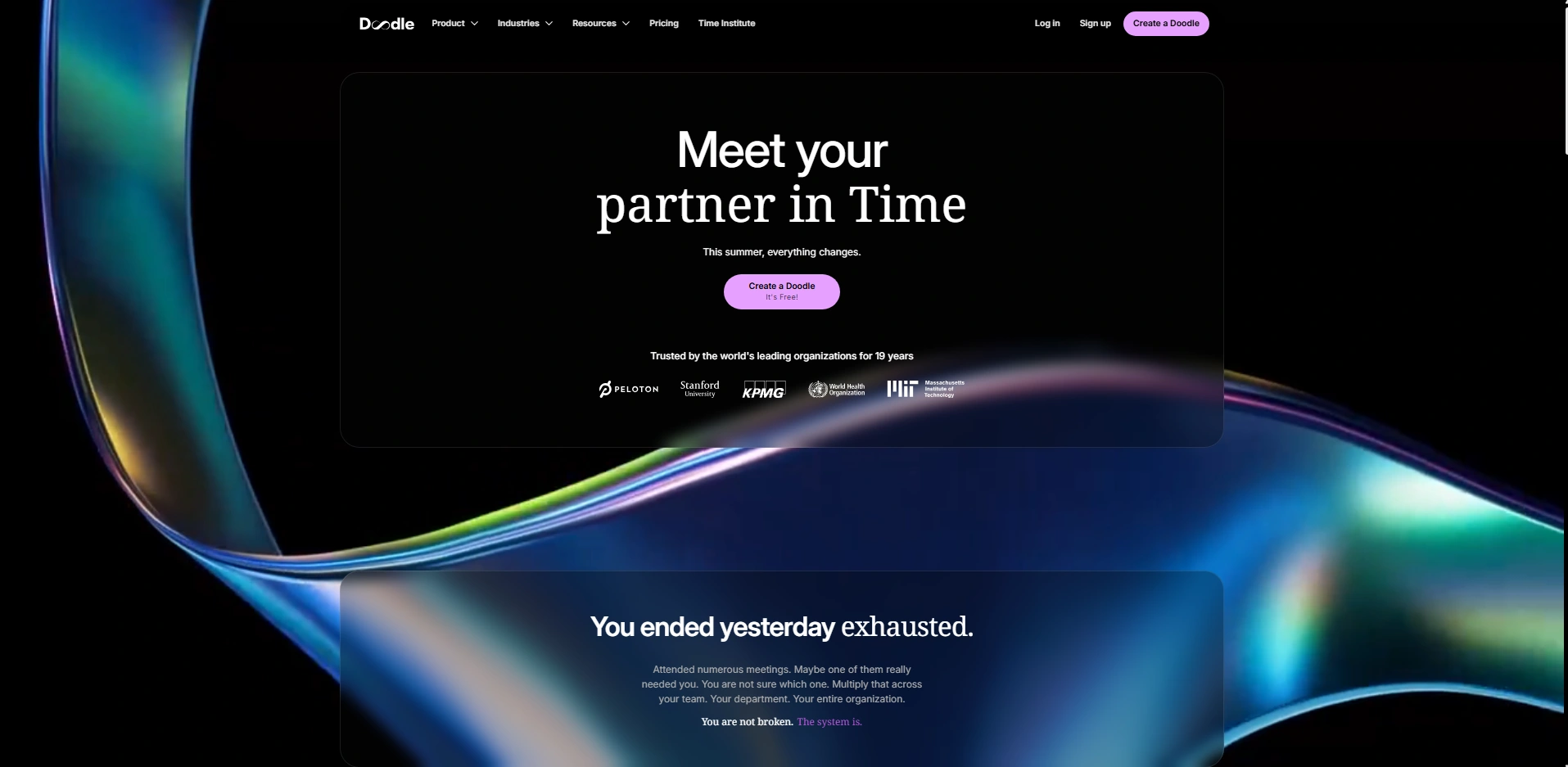
Doodle is a smooth group scheduling tool designed to automate your system by finding mutual meeting times without endless email lists. Millions of people and organizations are using the tools to advance their operations. Besides, Doddle stops manual efforts and organizes your internal team scheduling as well as external group events.
Best Use For
This is best for professionals who manage multiple people, like project managers, educators, coordinators, and enterprise teams. These professionals use the tool to automate their replies and find a time slot for a large group within multiple schedules.
Key Features of Using Doodle
- Doodle automates the meeting schedule for users and proposes multiple dates and times in a group pool. Participants can easily vote without signing up.
- Create an automated Booking Page that facilitates clients booking 1:1 time directly on your calendar based on your available time slots.
- Besides, Doodle automatically detects each participant’s time zone and displays poll time according to the individual’s local time.
- Easily set voting limits on your pools to protect against overbooking an event or workshop.
- Doodle helps you to stay on top of meetings by sending automated confirmations and email reminders to all participants.
Calendar Integration with Doodle
Doodle can easily connect with your essential business tools, like Google Calendar, Microsoft Outlook, Apple Calendar, Zoom, and Microsoft Teams. These tools also check similar events to all other tools and alert you not to book the same thing again.
9. Jotform (Best for Customizable Booking)
About Jotform
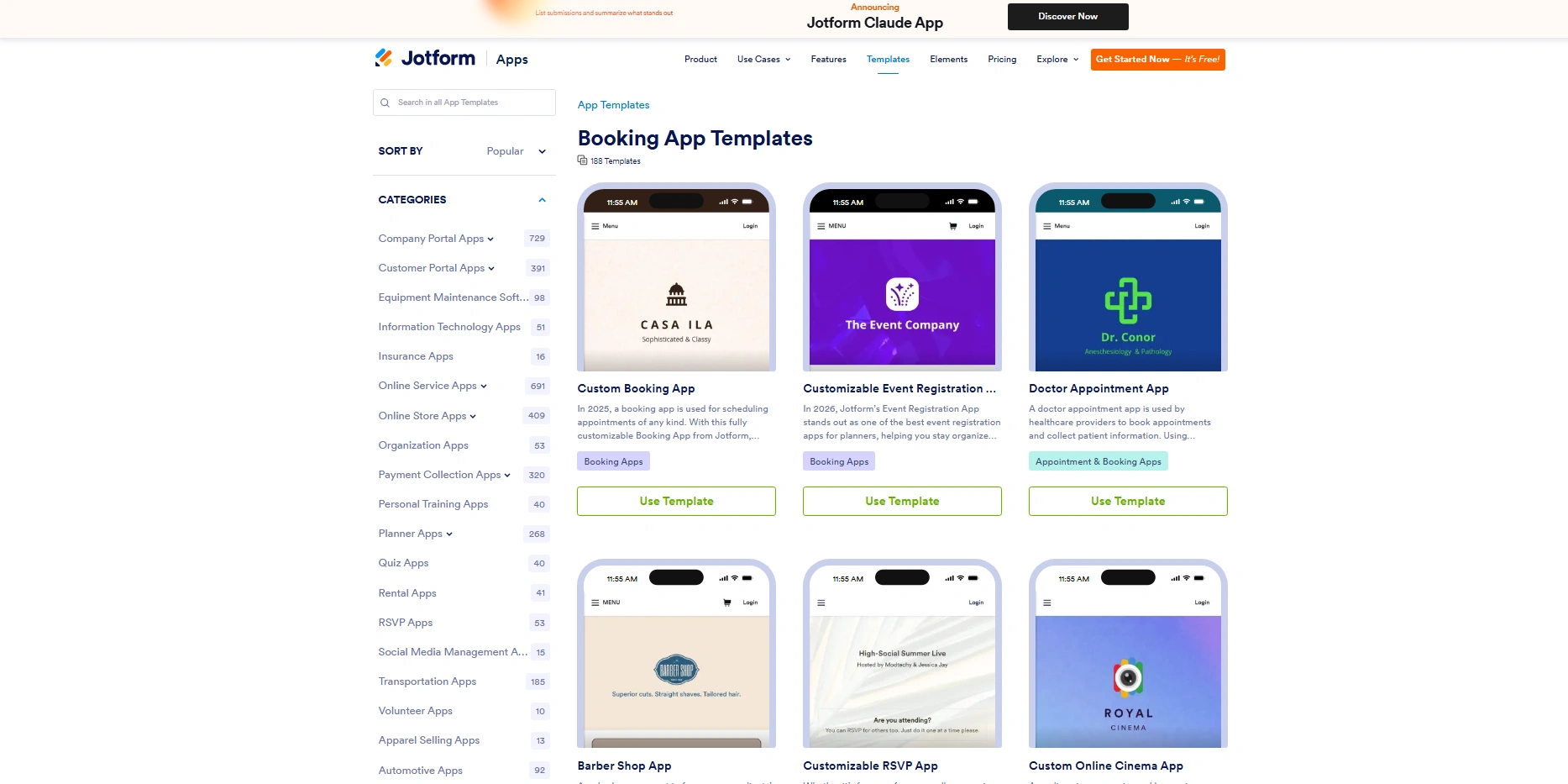
Jotform is a highly flexible form building and scheduling tool developed to automate your system with powerful data collections. Millions of businesses are using the tools to advance their operations.
Best Use For
This tool is best for professionals who require extensive client data prior to service, such as healthcare providers, event organizers, and consultants. Jotform also helps businesses to automate replies, capture critical intake information securely and consistently, and schedule for further meetings.
Key Features of Using Jotform
- Jotform automates the meeting schedule by integrating appointment slots directly into customizable, conditional-logic forms.
- Create one meeting interface that simultaneously collects digital signatures, file uploads, and detailed clients’ histories. Finally, confirmed appointments based on collected information.
- Jotform provides HIPAA-compliant features, making it an exceptional choice for medical professionals handling sensitive patient data.
- Set limited windows or set rolling booking windows to maintain complete control over your availability.
- Process secure payments instantly through gateways like Square, Stripe, and PayPal with the booking form.
App Integration with Jotform
Having easy integration with other tools like Google Calendar, Salesforce, Zoom, and Mailchimp. Also, Jotform has automated checking tools to detect duplicate bookings.
10. Cal.com (Best Open-Source Option)
About Cal.com
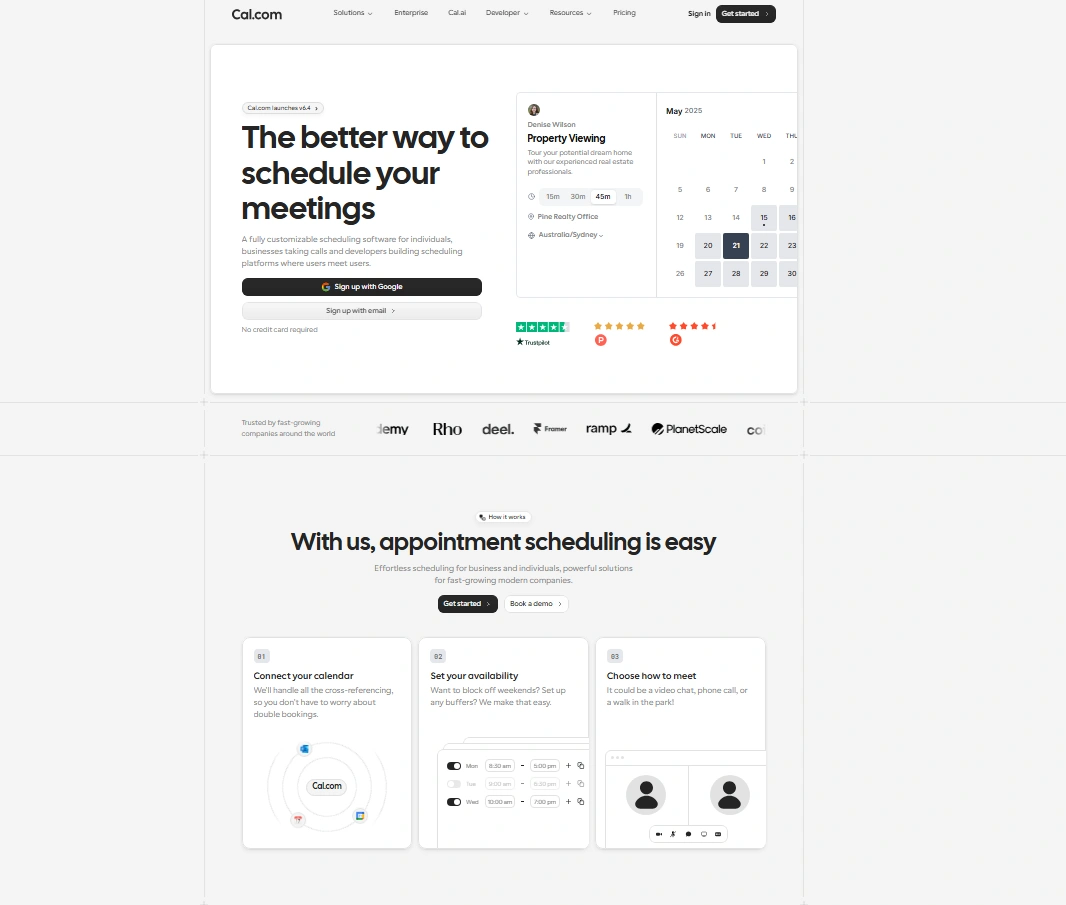
Cal.com is a powerful open-source calendar management tool designed to automate your booking systems with developer-grade flexibility.
Best Use For
This tool is best for tech-savvy professionals and growing organizations, such as developers, sales representatives, recruiters, and healthcare providers. These professionals use the tool to automate users’ replies, customize the booking interface, and schedule further meetings.
Key Features of Using Cal.com
- Cal.com automates the meeting schedule within unlimited event types and calendar connections.
- Create meetings with built-in routing forms that ask prospects qualifying questions to direct them to the correct team members.
- Importantly, Cal.com is a fully open-source and white-label-ready tool, providing businesses with a self-hosted dashboard or completely customized branding on their booking pages.
- Arrange browser-based video meetings directly through Cal Video without downloading any external software on your desktop.
App Integration with Cal.com
Cal.com scheduling tools can integrate with other tools like Google Calendar, Microsoft Outlook, Apple Calendar, Zoom, and Stripe.
Key Features Comparison
See the 10 scheduling tools’ names, what this tool is best for, and pricing models.
| Name of the Tool | Best Use For | Pricing Model |
| Calendly | Meetings | Free – Paid |
| Acuity Scheduling | Services | Paid |
| Square Appointments | Retail | Free – Paid |
| SimplyBook.me | Customization | Paid |
| Setmore | Budget | Free – Paid |
| YouCanBook.me | Simplicity | Paid |
| HubSpot Meetings | CRM users | Free |
| Doodle | Group scheduling | Free – Paid |
| Jotform | Local businesses | Free – Paid |
| Cal.com | Open-source | Free – Paid |
Final Words
Compared to manual work, scheduling tools reduce your double-schedules, costs, and timings. Small businesses can be benefited to schedule using tool and integrating with other necessary platforms, software, and calendars. Besides, these automated schedule tools can create auto-replies, create a schedule for next bookings, and follow-ups.