


10 Best AI Email Assistant Tools: Increase Your Productivity
AI email assistant tools have simple autocomplete prompts into highly advanced agents. This is a copy of your personal writing voice, managing the entire collaborative team’s workflow. Professionals spend an average of over four a day processing emails.
These leading AI platforms are designed to reclaim your time through automate everything from draft to inbox organization.
What is an AI Email Assistant?
An AI email assistant uses artificial intelligence to manage and simplify digital correspondence by understanding context and intent. They function as digital partners, handling high-priority emails, thread summaries, and personalized drafting.
Significantly, these tools manage repetitive tasks like sorting and scheduling to increase efficiency. Besides, by automating administrative work, AI-assistant tools accelerate professionals to focus on high-impact results.
Top 10 AI Email Assistant Tools
Managing an inbox requires you more than just filters; it requires a dedicated digital partner. Here are the top 10 AI email assistant tools designated to help you to reclaim your time and achieve smarter inbox tools.
1. Lindy (Best Overall for Automation)
Lindy is an AI agent designated to act as a true executive assistant. Many tools focus on just drafting text; Lindy excels at managing your calendar, organizing your inbox, and handling complex workflow independently. Besides, Lindy acts as an AI data entry assistant, collecting information from user interactions through the CRM system.

Key Features:
- Automatically prioritizes incoming mail and suggests actions.
- Connects to other tools to handle tasks like meeting scheduling and data entry.
- Learn your voice and specific business context for high-quality drafts.
- Integrated with thousands of apps (Significantly, Google, Notion, and ClickUp).
The Learning Opportunity
Lindy took about 45 minutes to properly map your CRM and Calendar fields, customizing agents to specific workflows.
Benefits to Professionals
It saves high-level executives’ busywork and allows them to focus on high-impact decision-making rather than administrative repetitive work.
Best Use For
Highly applicable for “Founders” and busy “Executives” who need more than just a writing tool.
Verdict
If your goal is to design complete email workflows, not just writing sentences, Lindy is the most strong automation choice available.
2. Shortwave (Best for Email Search & Summaries)
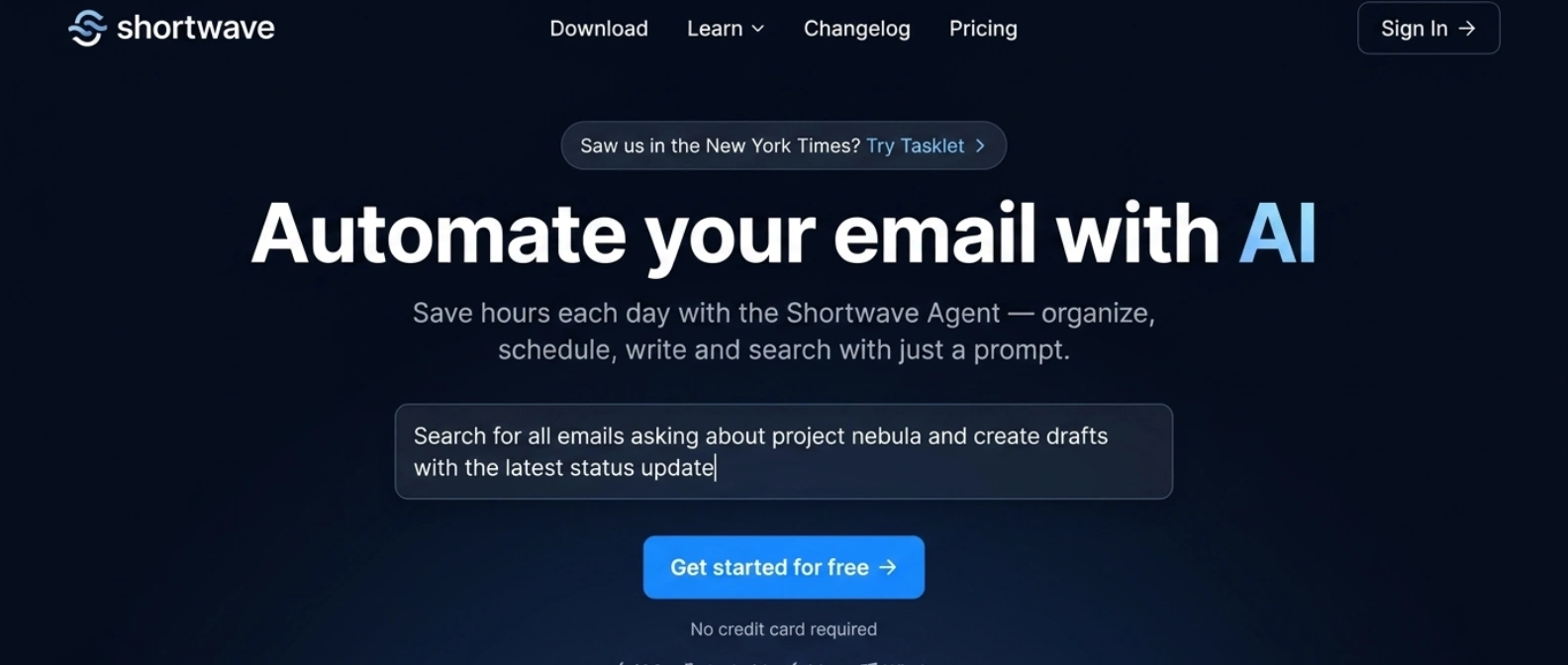
Shortwave is an AI-first client build tool that was built by former Google employees. This transforms your Gmail into a structured, searchable learning resource. It is designed for those who want an advanced interface with speed and intelligence.
Key Features:
- Shortwave helps you to Organize emails in Gmail based on high and low priority messages.
- Instantly concise your long, messy threads into one-sentence bullet points.
- AI-powered intelligence answers directly about the price that you quoted earlier.
- Designed to manage your gmail, and offering to manage spam email.
Benefits to Professionals
Help researchers widely and project managers to find the specific information instantly without manual searching.
Best Use For
Seeking knowledge and researchers who handle a high volume of complex information.
Verdict
Shortwave is the best pick if you want to pair it with Gmail to facilitate the most advanced AI search capabilities on the market.
3. Superhuman (Best for Productivity & Speed)
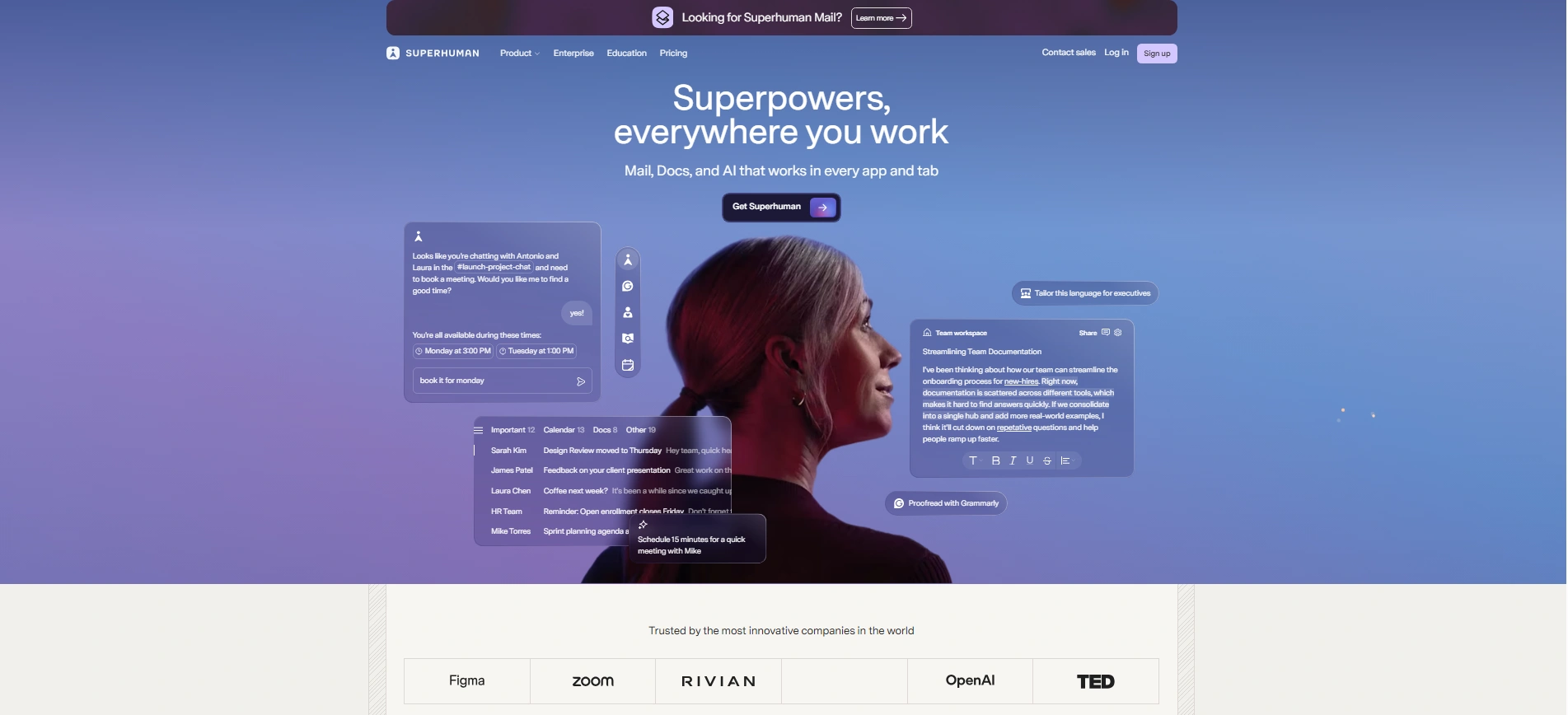
Superhuman is a premium email with “niche-following” among tech leaders for its high-performing and minimum, distraction-free design. These tools are engineered to help you reach “Zero-Inbox” in record time.
Key Features:
- Split your inbox automatically into specific categories, like “Team”, “Sales, or “Admin” to prevent context switching.
- Prepare engaging replies automatically based on the context of the email within your personal tone.
- Provide you with a one-line summary of every long email thread.
- A user-friendly command bar and keyword shortcut help you to work without touching the mouse.
Benefits to Professionals
Entrepreneurs and high-performers save an average of 4 hours per week by moving through their inbox with keyboard shortcuts and AI assistance.
Best Use For
Entrepreneurs, Executives, and anyone who widely engages with constant rapid email productivity.
Verdict
It is the most expensive option, but for those whose time is money, the efficiency gains make it an essential productivity tool.
4. Microsoft Copilot for Outlook (Best for Microsoft Users)
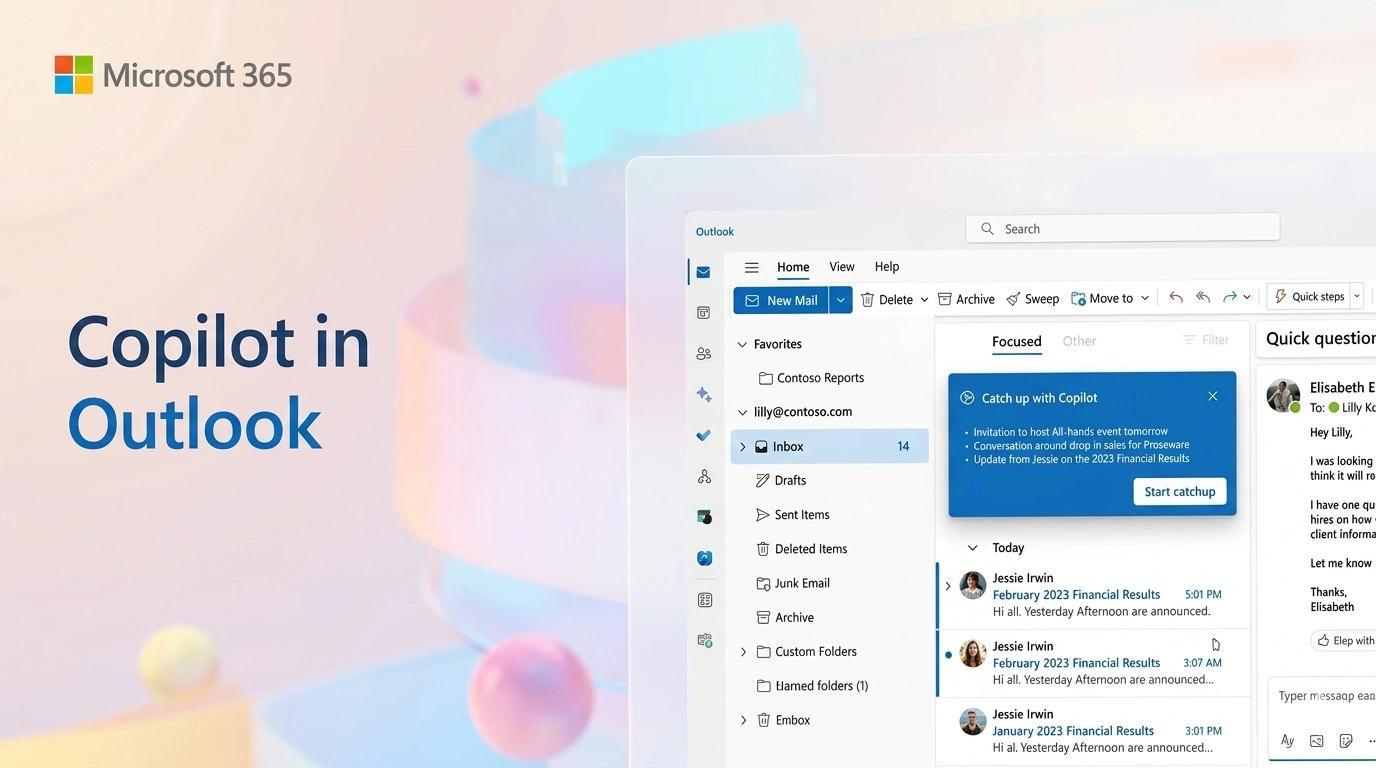
Co-pilot is native AI product of Microsoft, integrated with outlook email organization. These tools can write emails, replies or summarize email insights to busy professionals. Input a simple prompt to generate emails with multiple-versions like email to officials, suppliers, peers and automated follow-ups.
Key Features:
- Craft messages through an overview of Images, slides, or PDF copies into engaging texts.
- Create full professionals’ email from a simple three-word direction.
- Analyze your draft for tone and clarity to ensure your messages are professional.
Benefits to Professionals
Corporate professionals who need to write emails with relevant products, features with comparison that make them trustworthy to the receivers.
Co-pilot not only drafts email, It summarizes previous customer interactions, action items, and relevant company news to help you prepare for calls.
Best Use For
Corporate managers and employees in organizations already using Microsoft 365.
Verdict
If you are already in Outlook, Copilot is the most integrated way to add AI power without learning a new app.
5. Google Gemini for Gmail (Best for Gmail Users)
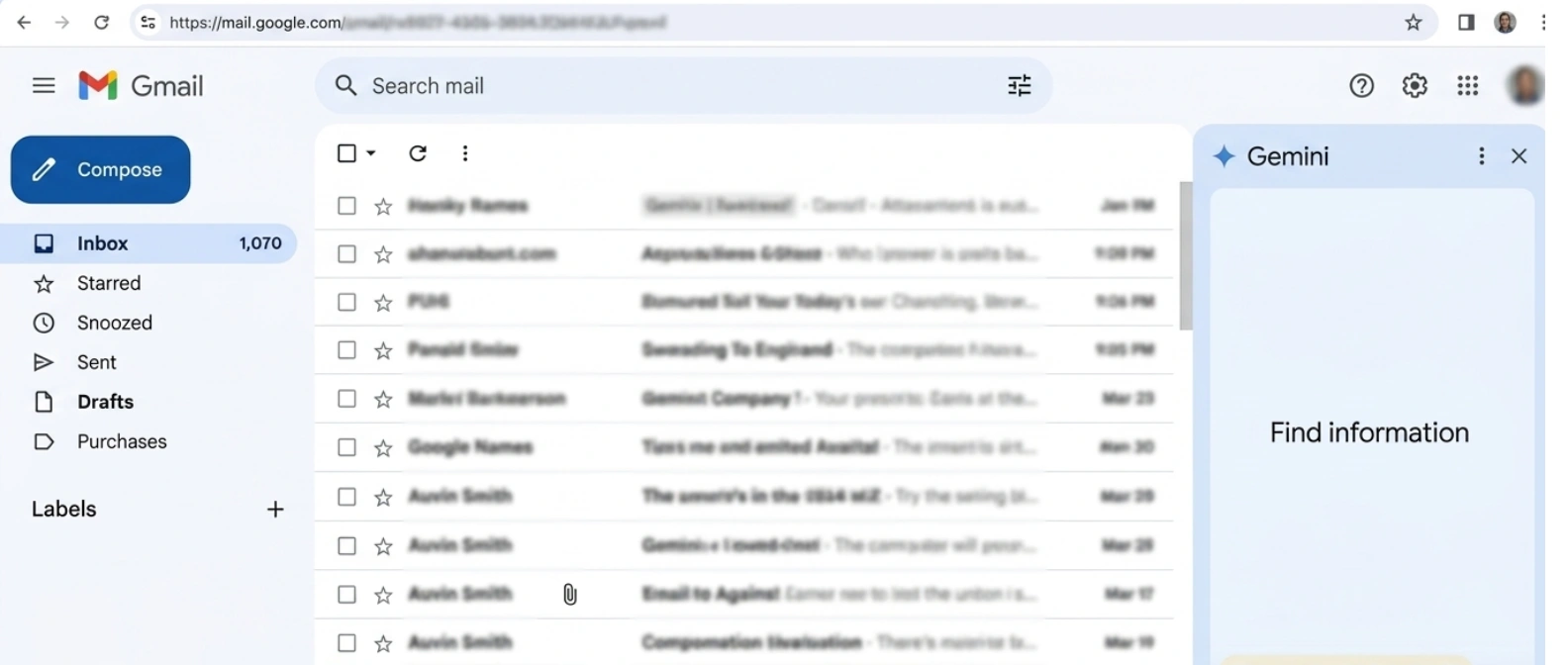
Gemini is Google’s most powerful AI-powered tool directly integrated with your Gmail to generate reply, understanding message tone and requirement. Google Gemini also integrated Google-Docs to summarize email insights and prepare reports.
Key Features:
- Prepare email that can tell your products, customer needs and how it is best suited for your regions.
- Pull information from earlier emails in a thread to make other drafts within a more accurate version.
- List out emails with actual date that asked for reply, review and send resources.
Benefits to Professionals
Entrepreneurs, solo operators and small businesses can optimize high-end AI without any installation or setup.
Gemini largely integrated with Google Workspace, can share advanced features with other team members.
Best Use For
Enterprises, Small business owners, Freelancers, and Google Workspace power users.
Verdict
While not as feature-rich as dedicated clients, its “zero-effort” integration makes it the best choice for the average Gmail user.
6. Notion Mail (Best for Smart Inbox Organization)
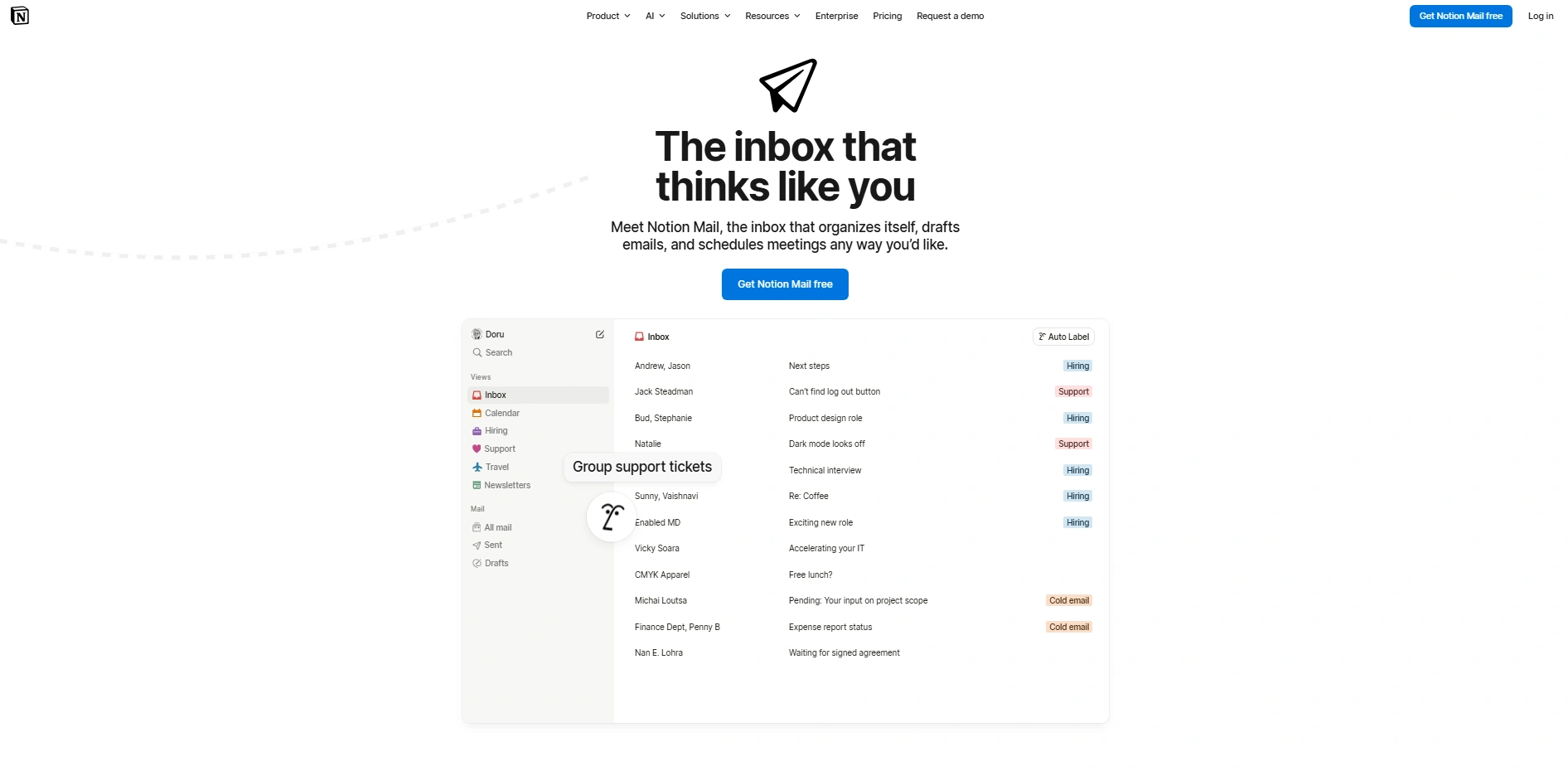
Notion Mail is an all-in-one productivity platform that connects with your email as a database towards becoming a fully integrated workspace with the release of Notion Mail.
Key Features:
- Use advanced logic to tag and categorize emails based on project or importance.
- Integrate emails directly to Notion pages, notion calendar to know project updates and generation reports.
- Customize on smart inbox views to see your email based on focusing your current project.
Benefits to Professionals
Project managers can keep their communications directly besides their documentation and task lists.
Best Use For
Creative professionals and teams who manage their complete business in Notion.
Verdict
If your work lives in Notion, Notion Mail is the only tool that truly bridges the gap between your messages and your work.
7. Sanebox (Best for Inbox Decluttering)
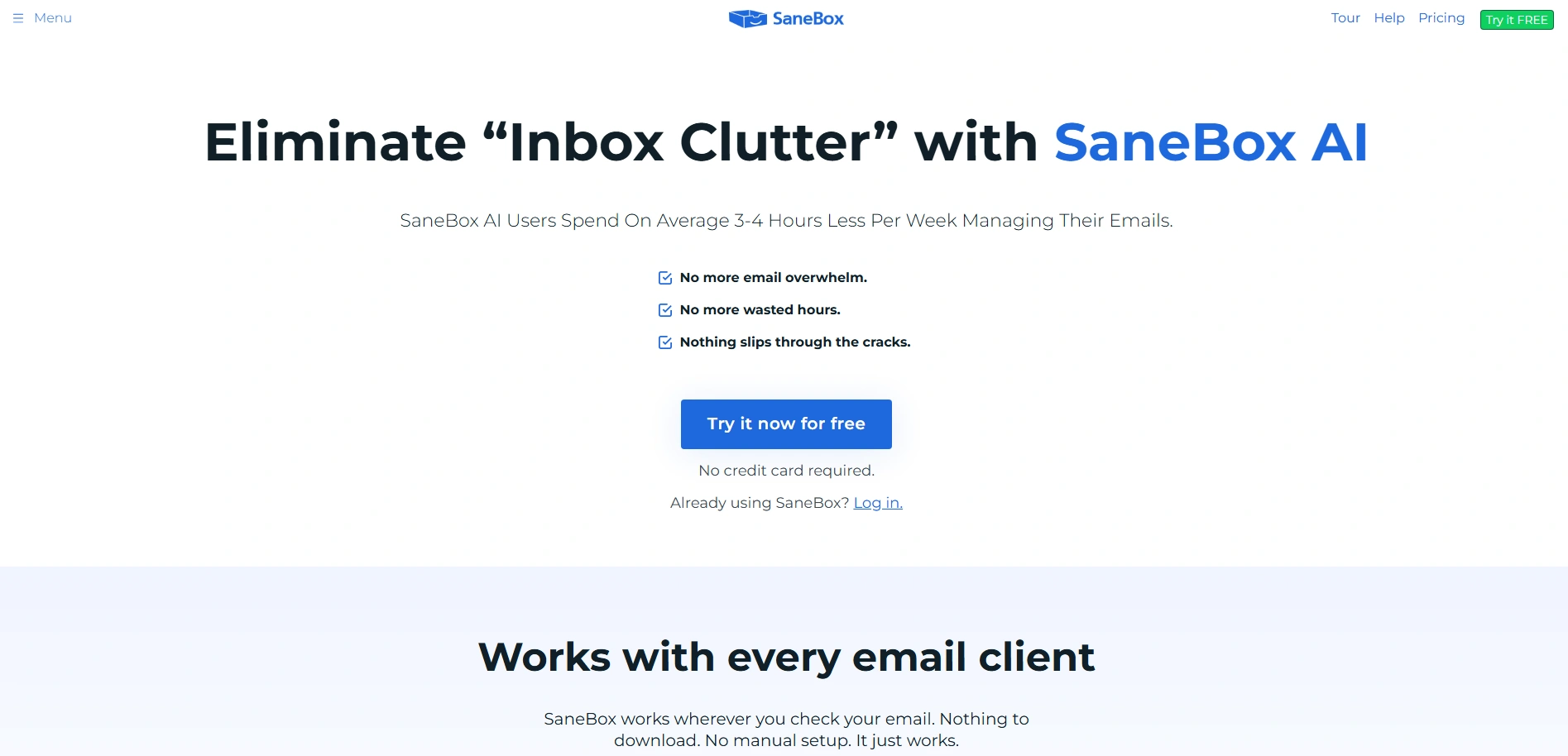
Sanebox is an AI-powered email sorting engine that prioritizes emails as per your client lists, and throws out non-prioritized emails as per your demand. These tools can categorize important newsletter, product messages, or notifications using intelligence.
Key Features:
- Automatically moves newsletters and low-priority mail into a separate folder.
- Unsubscribe emails within one-click that permanently wipe out low-valued senders.
- Notifies you if an email you sent hasn’t received a response.
Benefits to Professionals
Highly distracted professionals can reduce their daily notification count by up to 50%.
Best Use For
Professionals who feel overwhelmed when an overflow of newsletter or promotional emails arrives.
Verdict
SaneBox is the best automated tool for anyone who wants a clean inbox without switching their email app.
8. Saleshandy (Best for Outreach Automation)
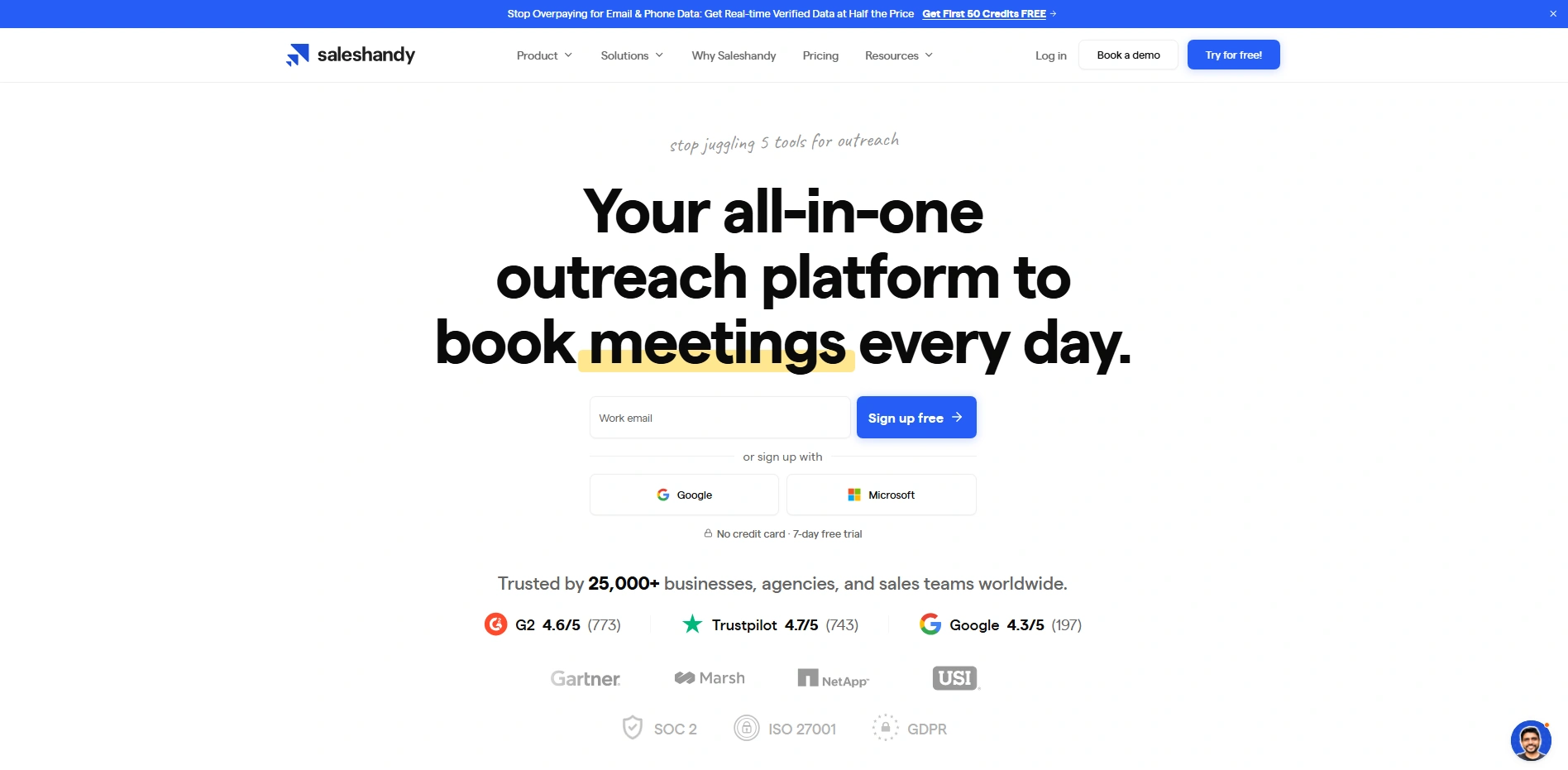
Saleshandy is designed to scale personalize cold outreach, running email campaigns, small sales teams, and outbound. This is ideal for businesses who runs multi-channel outreach at a time with high deliverability.
Key Features:
- Uses AI to research prospects and draft unique openings for every email at a personalized scale.
- Sets up a smart email sequence that pauses once a prospect replies.
- Ensure your emails are destined into the primary inbox directly, not the spam folder.
Benefits to Professionals
Salespeople and recruiters can scale their reply status significantly by sending high-quality, personalized messages.
Best Use For
B2B Sales teams, Recruiters, and Marketing outreach specialists.
Verdict
For outreach workers, this is a “pipeline machine” that pays for itself through increased conversion rates.
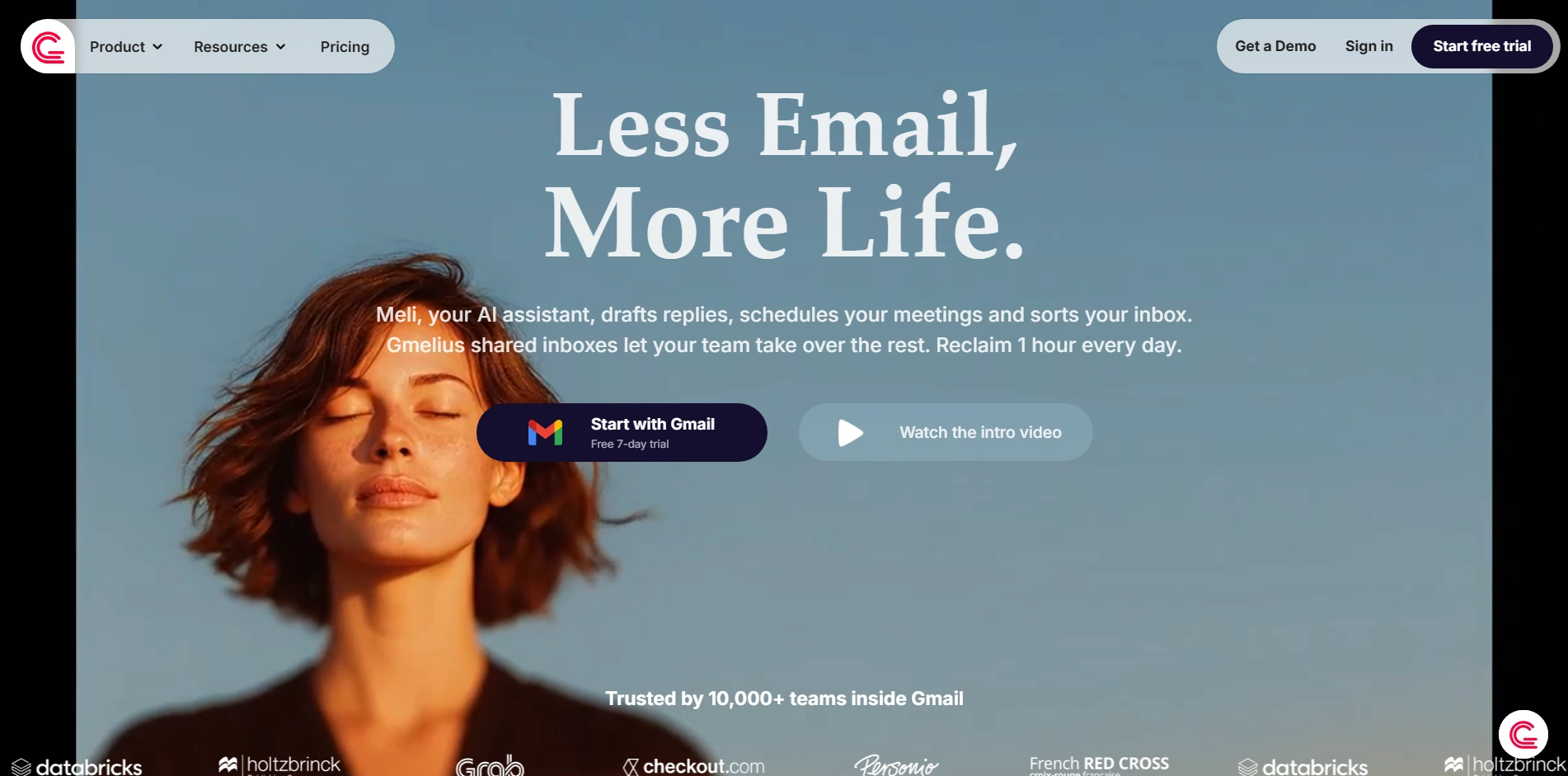
Gmelius is a collaborative AI workspace that sends your messy emails into a shared team space. Significantly, you can manage projects, automate manual tasks, and draft emails as you need.
Key Features:
- Multiple team members can manage a single address (like., support@) without duplicating work.
- Pulls data from team history to suggest the most accurate response for customer queries.
- Chat with teammates directly inside an email thread to coordinate responses.
Benefits to Professionals
Customer support teams and operations managers can ensure consistent and fast response times across the whole team.
Best Use For
Professionals who engage with customer support teams and Operations Managers.
Verdict
It is the best choice for teams that need to deliver excellent support and collaborate within a shared environment.
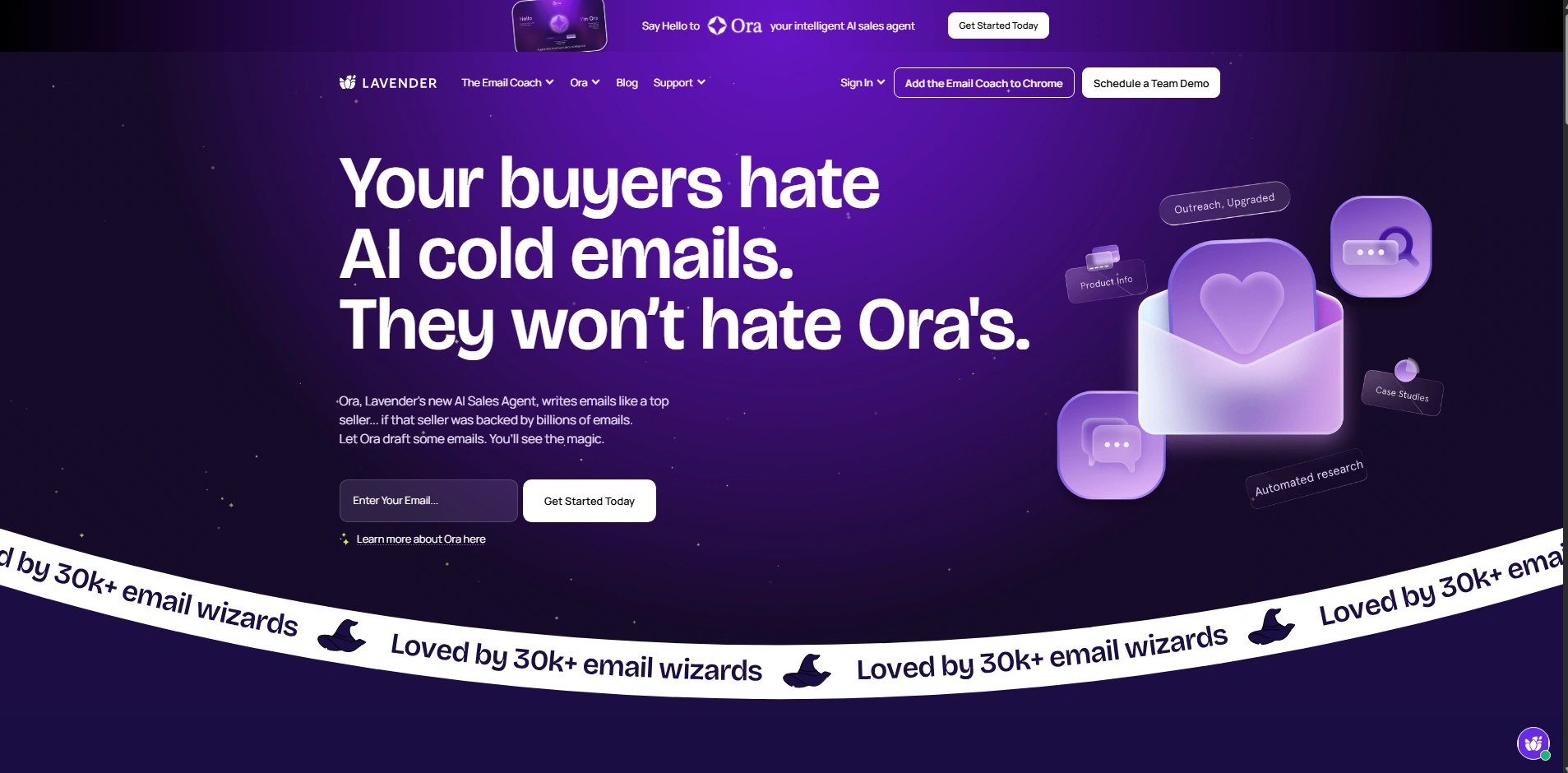
10. Lavender (Best AI Email Coach)
Lavender is an online AI writing assistant that “coaches” you as you type to ensure your emails are as effective as possible.
Key Features:
- Scaling your email score based on length, tone, and reading level.
- Research personalized data you are emailing directly into your sidebar.
- Flag words that might detect incoming email as spam and block it before reaching your inbox.
Benefits to Professionals
Outreach workers and fundraisers can learn to write better emails over time through constant feedback.
Best Use For
Salespeople, Fundraisers, and Outreach professional who want to improve their individual writing skills.
Verdict
Lavender is like having a professional editor and sales coach looking over your shoulder for every email you send.
There are a variety of AI-Assisted tools integrated with your emails to make your inbox-zero to ready-to-reply. Enterprise may need AI tools to organize inbox but requires lots of time, potentially interrupting your business workflows. It’s a smart way to find a virtual assistant service to handle your tools and operate emails effectively.
Key Features of AI Assistant Tools
AI email assistants organized special capabilities designed to transform your inbox from a static list of messages into a dynamic workspace. These tools are integrated with advanced language models to understand the tones of human communication. Thus, the AI-Assisted tool performs tasks without manual effort.
AI Writing and Reply Generation
These tools can draft full, professional emails or one-click “Smart Replies” based on a short prompt or the context of an existing thread. They analyze your previous messages to match your personal tone, styles and automate email responses within natural and authentic sound.
Email Summarization
AI-powered tools reduce email overload into short summaries. This facilitates you to understand essential points quickly. Therefore, you can get complete insights from a list of emails rather than reading individual messages.
Inbox Automation
AI-powered automation uses content and intent to perform complex tasks like grouping, routing, and unsubscribing. These tools automatically organize emails, like archiving low-priority mails, dividing the group conversation, and pushing you to follow up on unread messages.
Integration Capabilities
Effective AI-assisted tools integrate consistently with your existing email, like Gmail and Outlook, as well as external productivity tools. These tools connect with your existing calendar to suggest meeting times, collect data from the CRM system or reference documents from your knowledge base to provide accurate answers.
Key Comparisons of Top AI Email Assistants
Choosing the right tool depends on your existing requirement and needs. AI-assistant enhance your email efficiency integrating automation with your inbox. Here is key comparisons on how the top 10 tools works according to your needs.
| Software | Primary Strength | Price Starts With | Compatibility |
| Lindy | Workflow Automation | $49.99 (Plus) to $199.99 (Max). | Web / API |
| Shortwave | Intelligent Search | $7 (Personal) to $24 (Business). | Gmail |
| Superhuman | Speed & Productivity | $30 (Starter) to $40 (Business). | Gmail / Outlook |
| MS Copilot | Ecosystem Integration | $30/user/month for businesses. | Outlook / 365 |
| Google Gemini | Google’s interactive tool for Gmail | Free and $20/month for Gemini Advance | Gmail / Workspace |
| Notion Mail | Database Organization | $10/month | Gmail / Notion |
| SaneBox | Noise Reduction | $7 (Snack) to $36 (Dinner) | Any Email Provider |
| Saleshandy | Outreach at Scale | $25/month for basic | Gmail / Outlook |
| Gmelius | Team Collaboration | $19 (Meli) to $40 (Pro) | Gmail |
| Lavender | Writing Coaching | $29/user/month for a basic | Gmail / Outlook |
FAQs
What is the best AI email assistant?
The “best” tools depend on your needs: Lindsy is good for complex automation, while Superhuman is the leader of row speed. These are deeply embedded with specific ecosystems, Microsoft Copilot, Google Gemini offer the most consistent and integrated support.
Is there a free AI email assistant?
Yes, Google Gemini and Microsoft Copilot offer free tiers with standard features. For third-party tools: Mailmeteor, and Shortwave provide free versions that include essential AI drafting and organization capabilities.
Can AI write emails automatically?
Modern tools like Lindsy and Gmelius can draft automatically through analyzing incoming context and generate ready-to-send replies. It’s always recommended to choose tools that write following human tone accurately.
Which AI works best with Gmail?
Google Gemini is the most natural choice as it is built directly into the Gmail interface. For a more transformative experience, Shortwave and Superhuman are specifically engineered to turn Gmail into a high-performance productivity machine.
Conclusion
Choosing the right AI email assistant to give you free space to concentrate into your core jobs. There are different AI-assisted tools, and each tool has different features that are convenient for professionals’ diversified needs. Likewise, Lindy handles your scheduling or a high-impact tools Superhuman who makes your “Inbox-zero.”
Integrate the right AI assistant into your workflow. Therefore, you can transform your inbox from a cause of stress into a consistent and focus on high-performing communication.